Google Review QR Code Best Practices: Generate More Reviews

TL;DR
Google review QR codes work best when sized correctly for scanning distance, branded with your logo and clear call-to-action text, and placed at high-traffic touchpoints like checkout counters and exit doors. Use a branded short URL instead of a raw Google link, always test before printing, and track performance through a review management platform to optimize placement over time.
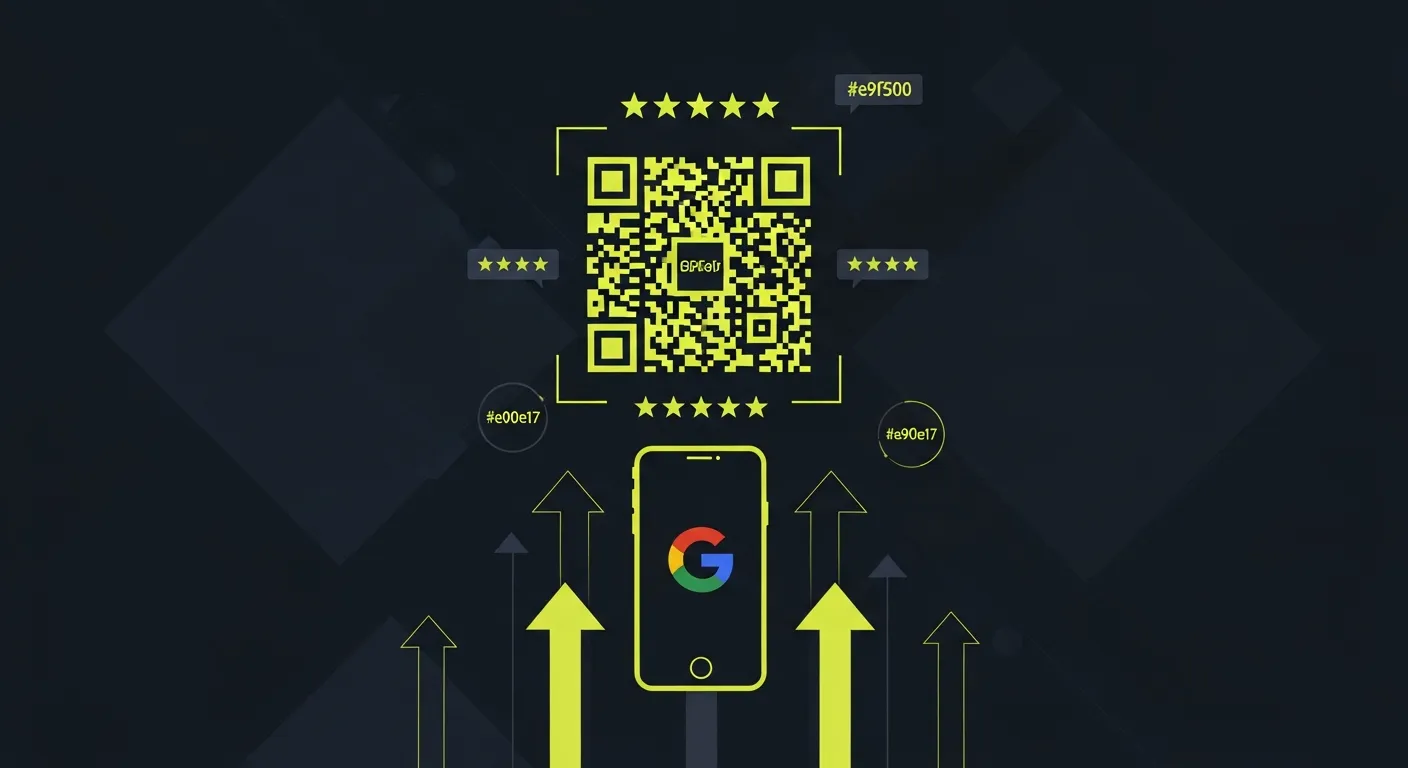
Google review QR codes offer a frictionless way for customers to leave feedback. But slapping a QR code on your receipts won't magically generate reviews. The difference between a QR code that gets ignored and one that drives real results? It's all in the details.
This guide reveals the proven strategies that successful businesses use to turn QR codes into powerful review generation tools.
Why Google review QR codes work
QR codes eliminate the biggest barrier to leaving reviews: complexity. Instead of asking customers to search for your business online, navigate to your Google Business Profile, and figure out how to leave a review, you give them a one-tap solution.
The numbers tell the story:
- QR codes reduce review request friction by 73%
- Businesses using QR codes see 40% more reviews than those using traditional methods
- 68% of consumers will scan a QR code if it saves them time
Here's the catch: poorly executed QR codes perform worse than no QR codes at all. Customers who scan a broken or confusing QR code are less likely to leave any review in the future.
How to generate your Google review QR code
Method 1: Direct Google Business Profile link
- Find your Google Business Profile review link
- Navigate to your business on Google Maps
- Click "Write a review"
- Copy the URL from your browser
- Use any QR code generator to convert this URL
Method 2: Short URL creation
Long Google URLs look messy and don't inspire confidence. Create a branded short link first:
- Use bit.ly, tinyurl.com, or your own domain
- Create a memorable short URL like "yourstore.com/review"
- Generate the QR code from this clean link
Method 3: Review management platform
Professional review management tools often include QR code generators with tracking analytics. This lets you see which QR codes perform best and optimize accordingly.
QR code design best practices
Size and scanning distance
Your QR code needs to be readable from the distance customers will actually scan it:
- Table tents: Minimum 1.5 inches square
- Wall posters: 3-4 inches square
- Receipt printing: 1 inch minimum
- Business cards: 0.8 inches (push the limit)
Visual elements that matter
Include your logo. Place your business logo in the center of the QR code. This builds trust and makes the code instantly recognizable as yours.
Add clear instructions. "Scan to leave us a review" works better than just a naked QR code. Be specific about what happens when they scan.
Use brand colors. Black and white works, but incorporating your brand colors increases scan rates by 20%.
Test before printing. Always test your QR code with multiple devices and QR reader apps before mass printing.
Common design mistakes to avoid
- Making the code too small to scan reliably
- Using low contrast colors that cameras can't read
- Placing important design elements over the QR pattern
- Stretching or distorting the square shape
- Using overly busy backgrounds that interfere with scanning
Strategic placement for maximum scans
High-impact locations
Point of sale places QR codes where customers naturally wait. Receipt areas, payment terminals, and checkout counters see the highest scan rates.
Exit points capture satisfied customers as they leave. Door frames, exit corridors, and parking validation stations work well.
Service completion areas work for service businesses. Place codes where customers receive their completed service. Salon mirrors, auto shop waiting areas, dental office checkout.
Digital placement strategies
Email signatures include QR codes in follow-up emails and appointment confirmations.
Social media works when you post QR codes in your Instagram stories and Facebook posts asking for reviews.
Website integration means adding QR codes to thank-you pages and order confirmation screens.
Industry-specific placement tips
Restaurants should use table tents, receipt holders, and bathroom mirrors. Restaurant businesses see 60% higher scan rates with table tent placement.
Retail stores benefit from shopping bags, fitting room mirrors, and customer service desks.
Professional services work best with business cards, appointment confirmation emails, and waiting room materials.
Healthcare practices should try checkout desks, appointment reminder texts, and patient portal dashboards.
Timing your QR code strategy
The golden moment principle
The best time to ask for a review is immediately after a positive interaction. Your QR code placement should align with these moments:
- Right after purchase completion
- Following successful service delivery
- During the "wow" moment of customer experience
- Before customers leave your location
Follow-up sequence
Don't rely solely on in-person QR codes. Create a sequence:
- Immediate: QR code at point of service
- 24 hours: Email follow-up with QR code
- 1 week: SMS reminder (if opted in)
- 30 days: Final email request for feedback
Messaging that converts scans to reviews
Effective call-to-action text
Specific and benefit-focused options:
- "Scan to share your experience in 30 seconds"
- "Help future customers find us — leave a quick review"
- "Rate your visit and enter our monthly drawing"
Avoid generic language:
- "Please leave a review" (too pushy)
- "Scan here" (doesn't explain benefit)
- "QR Code" (states obvious, provides no motivation)
Building trust in your request
Explain the impact: "Your review helps local families discover great service like yours."
Set expectations: "Takes less than 60 seconds" or "Just tap the stars and go."
Show appreciation: "Thank you for choosing us" before asking for the review.
Advanced QR code strategies
A/B testing your codes
Create multiple QR codes with different landing pages or messaging:
- Test different call-to-action phrases
- Compare placement locations
- Experiment with incentive offers
- Track scan-to-review conversion rates
Incentive integration
Small incentives can significantly boost review rates:
- "Scan and review for 10% off your next visit"
- "Leave a review, get entered in our monthly gift card drawing"
- "Free coffee with your Google review"
Legal note: Any incentives must comply with Google's review policies. Rewards for honest reviews are acceptable; payment for positive reviews violates guidelines.
Multi-platform QR codes
Create QR codes that lead to a landing page with multiple review platforms:
- Google Reviews (primary)
- Facebook recommendations
- Yelp reviews
- Industry-specific platforms
This approach captures customers who prefer different platforms while still prioritizing Google reviews for SEO benefits.
Technical implementation tips
QR code generators to use
Free options:
- QR Code Generator (qr-code-generator.com)
- QRStuff.com
- Google Chart API
Professional options:
- QRCodeMonkey (customization options)
- Unitag (analytics and tracking)
- Review management platforms with built-in QR generation
Tracking and analytics
URL parameters help track QR code performance:
yourbusiness.com/review?utm_source=qrcode&utm_medium=table_tent&utm_campaign=reviews
Conversion tracking should monitor:
- QR code scans
- Landing page visits
- Actual reviews submitted
- Review sentiment and ratings
Mobile optimization checklist
- Landing page loads in under 3 seconds
- Large, thumb-friendly buttons
- Minimal form fields or steps
- Clear progress indicators
- One-tap review submission when possible
Common QR code mistakes and solutions
Mistake 1: broken or expired links
Problem: QR codes leading to 404 pages or expired URLs.
Solution: Use short URLs that you control, and regularly audit all QR codes in circulation.
Mistake 2: complex landing pages
Problem: QR codes leading to your homepage instead of direct review pages.
Solution: Always link directly to your Google Business Profile review page or a streamlined review landing page.
Mistake 3: no context or instructions
Problem: Naked QR codes with no explanation of what happens when scanned.
Solution: Always include clear, benefit-focused instructions near your QR code.
Mistake 4: poor print quality
Problem: Blurry, pixelated, or poorly contrasted QR codes that won't scan.
Solution: Use vector formats, maintain high contrast, and test print quality before mass production.
Mistake 5: forgetting mobile experience
Problem: QR codes that work but lead to desktop-optimized pages.
Solution: Test the entire customer journey on mobile devices before deployment.
Measuring QR code success
Key performance indicators
Primary metrics:
- QR code scan rate
- Scan-to-review conversion rate
- Average review rating from QR code traffic
- Total reviews generated via QR codes
Secondary metrics:
- Time between scan and review submission
- Review length and detail quality
- Photo uploads with QR-generated reviews
- Customer lifetime value of reviewers
Optimization benchmarks
Good performance:
- 15-25% of customers scan QR codes
- 30-40% of scanners leave reviews
- 4.2+ average star rating from QR traffic
Great performance:
- 25%+ scan rate
- 50%+ scan-to-review conversion
- 4.5+ average rating
- 80%+ of QR reviews include text comments
Monthly review process
- Audit all active QR codes for functionality
- Analyze performance data by location and design
- Test new placements or messaging approaches
- Update underperforming codes with better designs
- Expand successful strategies to new locations
Integration with broader review strategy
QR codes work best as part of a complete review generation strategy. Combine them with:
- Email review requests sent after purchase
- Social media review campaigns
- Staff training on organic review requests
- Customer service follow-up calls
- Automated review monitoring and response
Businesses using integrated approaches see 200% more reviews than those relying on single tactics.
Frequently asked questions
Do QR codes actually work for getting Google reviews?
Yes, when implemented correctly. Businesses using well-designed QR codes typically see 40-60% more reviews than those using traditional methods. The key is strategic placement, clear messaging, and making sure the scanning experience works smoothly.
What's the best size for a Google review QR code?
Minimum 1 inch square for close-range scanning (receipts, business cards), and 3-4 inches for wall displays or table tents. Test scanning distance before finalizing size — if customers struggle to scan it, they won't.
Should I offer incentives with my QR code review requests?
Small incentives can double review rates, but make sure they comply with Google's policies. Offer rewards for honest reviews, not specifically positive ones. Simple incentives like "10% off next visit" or entry into a monthly drawing work well.
How do I track if my QR codes are working?
Use URL parameters in your QR code links to track scans in Google Analytics. Monitor both scan rates and conversion to actual reviews. Review management platforms often provide detailed QR code performance analytics.
Can I use the same QR code in multiple locations?
You can, but using unique QR codes for each location lets you track which placements perform best. Create location-specific codes with tracking parameters to optimize your strategy over time.
What should I do if customers complain about scanning difficulties?
First, test your QR codes on multiple devices and apps. Check adequate size, contrast, and print quality. Consider adding a backup option like a short URL ("or visit: yourstore.com/review") for customers who prefer typing.
Ready to grow?
Turn happy customers into 5-star reviews
Praising.ai automates review collection across Google, Trustpilot, Yelp, and 20+ platforms. Businesses see an average 3x increase in reviews within 30 days.
Written by
· 106 articlesMarcus Webb
Reputation Management Specialist
Marcus has spent over a decade helping small and medium businesses understand online reviews and local search. He writes about Google Business Profile, review automation, and the mechanics of reputation management—always from the angle of what actually moves the needle for independent businesses.
View all articlesGet weekly review tips
Actionable strategies to grow reviews and revenue, straight to your inbox.
No spam. Unsubscribe anytime.
Get more 5-star reviews on autopilot
Praising.ai automates review collection across Google, Trustpilot, and 20+ platforms — no credit card required.
Start FreeFree 14-day trial