Google Review Reminder Email Templates: 8 Examples That Get Results

TL;DR
Sending review reminder emails 2-7 days after a purchase or service yields 15-25% response rates, far outperforming in-person requests. The most effective templates lead with gratitude or value, mention a specific time commitment like 30 seconds or 2 minutes, and connect the review to helping others in similar situations. Tailor your approach by industry for best results.
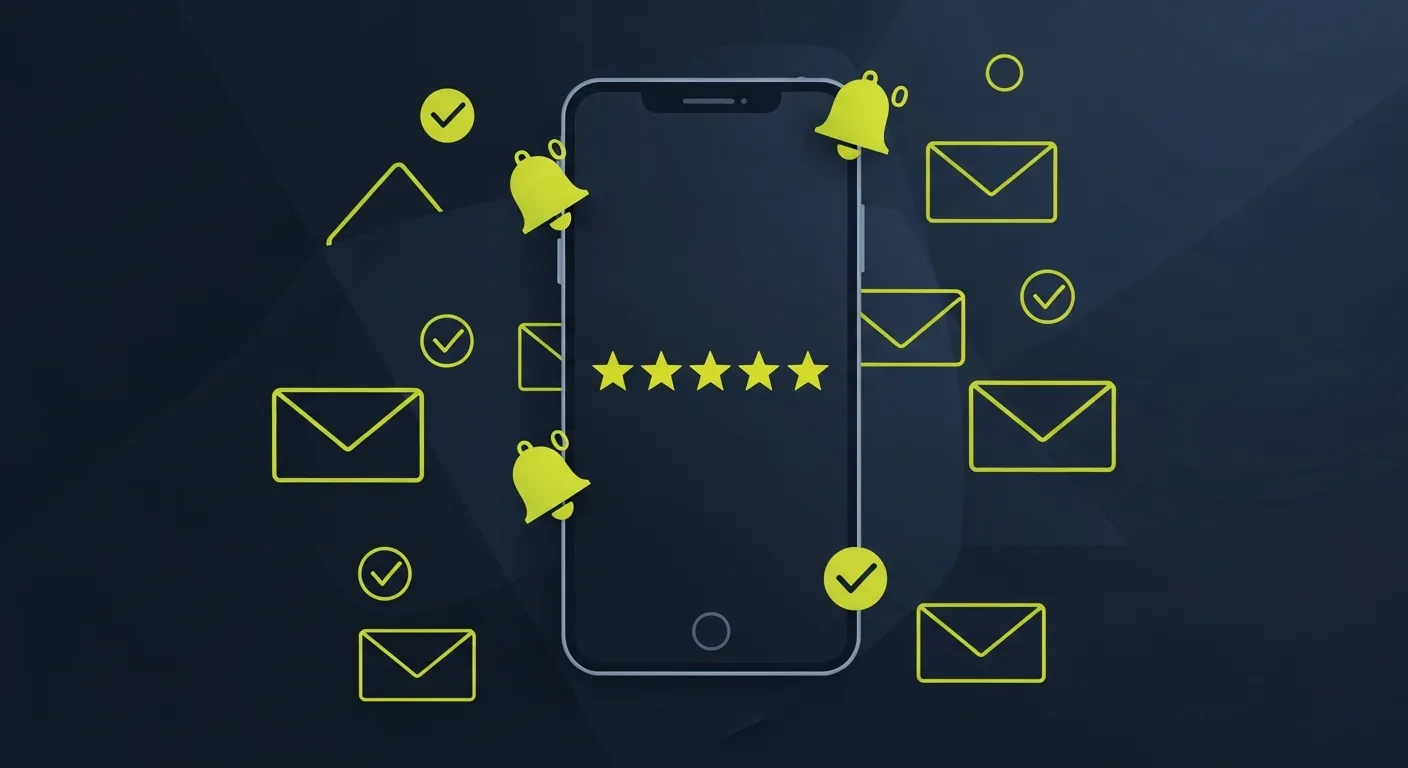
Getting customers to leave reviews shouldn't feel like pulling teeth. The right email reminder can turn a satisfied customer into your biggest advocate. But most businesses send generic, forgettable requests that get ignored.
This guide breaks down 8 proven Google review reminder email templates that always drive results. We'll show you what works, what doesn't, and how to adapt these templates for your specific business.
Why Email Reminders Work Better Than Other Methods
Email review requests have a 15-25% response rate compared to just 3-5% for in-person asks. Here's why:
- Timing control: Send when customers are most likely to respond
- No pressure: Customers can respond on their own schedule
- Easy sharing: One-click access to your review link
- Documentation: Track what works and what doesn't
Timing is everything. Send your first reminder 2-7 days after purchase or service completion. Customer satisfaction peaks right after a positive experience, then drops fast.
Template 1: The Grateful Follow-Up (All Industries)
Subject: Thank you for choosing [Business Name]!
Body:
Hi [Customer Name],
Thank you for choosing [Business Name] yesterday. It was a pleasure serving you.
If you have 30 seconds, would you mind sharing your experience on Google? Your feedback helps other customers find us and helps us improve.
[Leave a Google Review]
Thanks again!
[Your Name] [Business Name]
Why it works: Simple, grateful tone without being pushy. The "30 seconds" time estimate removes the mental barrier.
Best for: Service businesses, retail, restaurants
Template 2: The Value-First Approach (Professional Services)
Subject: Your [Service] is complete + a quick favor
Body:
Hi [Customer Name],
Your [specific service] project is now complete. The results should start showing within [timeframe].
I've attached a summary of what we accomplished and next steps to boost your results.
One quick favor: if you're happy with our work, would you mind leaving a quick review on Google? It takes 2 minutes and helps other [target customers] find our services.
[Write a Google Review]
Feel free to reach out if you have any questions about your project.
Best regards, [Your Name]
Why it works: Leads with value before asking for anything. Shows continued care for results.
Best for: Consultants, contractors, professional services
Template 3: The Problem-Solver (Repair & Maintenance)
Subject: Is your [problem] fixed?
Body:
Hi [Customer Name],
Just checking in on your [specific repair/service]. Is everything working properly?
If you're satisfied with the repair, could you share your experience on Google? Other homeowners facing the same [problem] would really benefit from hearing about your experience.
[Share Your Experience]
If you notice any issues, please call me directly at [phone number].
Thanks! [Your Name]
Why it works: Shows genuine concern for the outcome first. Connects the review to helping others with similar problems.
Best for: HVAC, plumbing, auto repair, appliance repair
Template 4: The Social Proof Builder (Healthcare & Wellness)
Subject: Help others find quality care
Body:
Dear [Patient Name],
I hope you're feeling great after your recent [treatment/appointment].
Many patients tell us they struggle to find trustworthy [healthcare providers] in our area. Your honest review on Google would help other patients make informed decisions about their care.
[Leave a Review]
Your privacy is important to us. Only share what you're comfortable with - even a simple star rating helps.
Wishing you continued health, Dr. [Name]
Why it works: Focuses on helping other patients rather than helping the business. Acknowledges privacy concerns.
Best for: Dentists, doctors, chiropractors, therapists
Template 5: The Milestone Celebration (Long-term Services)
Subject: 6 months of amazing progress!
Body:
Hi [Customer Name],
Can you believe it's been 6 months since we started working together? Your [specific achievement] is incredible.
I'm so proud of your progress. Would you consider sharing your transformation story on Google? Your journey could inspire someone who's exactly where you were 6 months ago.
[Share Your Story]
Here's to the next 6 months!
[Your Name]
Why it works: Celebrates the customer's achievement first. Frames the review as inspiring others, not promoting the business.
Best for: Fitness trainers, coaches, tutors, long-term consultants
Template 6: The Quick Check-In (E-commerce)
Subject: How's your new [product]?
Body:
Hi [Customer Name],
Your [product] was delivered [X days] ago. How are you liking it?
If it's working well for you, would you mind leaving a quick review? It helps other customers decide if [product] is right for them.
[Review on Google]
If you're having any issues, reply to this email and we'll make it right.
Thanks! [Customer Service Team]
Why it works: Shows you care about their experience first. Offers support if there are problems.
Best for: Online retailers, product-based businesses
Template 7: The Referral Connection (Local Services)
Subject: Thank you (and a small favor)
Body:
Hi [Customer Name],
Thanks for trusting us with your [service]. Your [specific positive outcome] turned out beautifully.
Most of our new customers find us through referrals and Google reviews. If you were happy with our work, would you mind leaving a review? It's the best way to help your neighbors find quality [service type].
[Leave a Review]
We appreciate your business! [Your Name]
Why it works: Connects reviews to helping neighbors, which feels more community-minded than business promotion.
Best for: Landscapers, contractors, local service providers
Template 8: The Honest Request (Any Industry)
Subject: A personal request from [Your Name]
Body:
Hi [Customer Name],
This is [Your Name] from [Business]. I'm personally reaching out because your opinion matters to me.
Online reviews are crucial for small businesses like ours. They help potential customers trust us and help us improve our service.
If you were satisfied with [specific service/product], would you consider leaving an honest review on Google? It would mean the world to me.
[Write a Review]
Thank you for supporting our business.
[Your Name] Owner, [Business Name]
Why it works: Personal, honest approach that acknowledges the importance of reviews without being manipulative.
Best for: Small businesses, owner-operated companies
Email Timing That Maximizes Response Rates
When you send your review request matters as much as what you say.
First attempt: 2-3 days after service completion. Customers remember the experience clearly. Satisfaction is still high. Issues haven't had time to develop.
Follow-up: 7-10 days later if no response. Use a different template. Shorter, more direct message. Include the original email for context.
Final attempt: 2-3 weeks later. Only for high-value customers. Brief reminder. Focus on helping others.
Best sending times:
- Tuesday-Thursday, 10 AM - 2 PM
- Avoid Mondays (overwhelming) and Fridays (distracted)
- Test your specific audience
- B2B responds differently than B2C
Personalizing Templates for Better Results
Generic emails get generic responses. Here's how to customize effectively:
Use Specific Details
Instead of: "Thank you for your recent visit" Write: "Thank you for choosing us for your oil change and tire rotation"
Reference Outcomes
Instead of: "Hope you're satisfied with our service"
Write: "Your new deck looks amazing and should last for decades"
Acknowledge Special Circumstances
Examples:
- First-time customers: "Welcome to our family of customers"
- Repeat customers: "Thanks for trusting us again"
- Referrals: "Thanks to [Referrer Name] for connecting us"
Industry-Specific Language
- Restaurants: "Hope you enjoyed your meal"
- Healthcare: "Hope you're feeling better"
- Auto repair: "Hope your car is running smoothly"
Technical Setup for Review Reminder Emails
Email Platform Requirements
Most businesses can use their existing email platform:
- Gmail/Outlook for small businesses (manual sending)
- Mailchimp, Constant Contact for automated sequences
- Built-in review management tools for advanced automation
Creating Your Google Review Link
- Go to your Google Business Profile
- Click "Ask for reviews"
- Copy the generated link
- Shorten with bit.ly or similar for cleaner emails
- Test the link before sending — a broken review link returning a 404 means every email you send drives customers into a dead end
Setting Up Automated Sequences
Day 0: Service completion (internal tracking) Day 2: First review request Day 9: Follow-up (if no review) Day 21: Final reminder (high-value customers only)
Subject Line Testing for Higher Open Rates
Your subject line determines if your email gets read. Test these approaches:
Personal Approach
- "A quick favor from [Your Name]"
- "Personal request from [Business Name]"
- "[Customer Name], could you help us out?"
Gratitude-Based
- "Thank you, [Customer Name]!"
- "Grateful for your business"
- "Thanks for choosing us"
Direct Approach
- "Quick review request"
- "2-minute favor?"
- "Your Google review would help"
Question Format
- "How was your experience?"
- "Happy with your [service]?"
- "Was everything satisfactory?"
Test different subject lines with small batches (50-100 emails) before rolling out to your full list.
Common Mistakes That Kill Response Rates
Asking Too Soon
Sending right away after purchase doesn't give customers time to evaluate their experience. Wait at least 24-48 hours.
Being Too Pushy
Avoid phrases like:
- "We desperately need reviews"
- "Please give us 5 stars"
- "Our business depends on reviews"
Making It About You
Instead of: "Reviews help our business grow" Write: "Reviews help other customers make informed decisions"
Forgetting Mobile Users
60% of emails are opened on mobile. Keep subject lines under 30 characters. Use short paragraphs (2-3 lines). Make review buttons large and easy to tap.
No Follow-Up Strategy
One email isn't enough. Plan a 2-3 email sequence with different approaches.
Measuring and Improving Your Email Performance
Track these metrics to improve your review requests:
Key Performance Indicators
- Open rate: 25-35% is good for review requests
- Click-through rate: 5-15% on review links
- Review conversion: 20-40% of clicks should result in reviews
- Overall response rate: 5-15% of emails should generate reviews
A/B Testing Ideas
- Subject line variations
- Personal vs. business sender name
- Email length (short vs. detailed)
- Call-to-action button text
- Sending day/time
Tools for Tracking
Most email platforms provide basic analytics. Google Analytics can track review link clicks. Advanced reputation management platforms offer full tracking.
Legal and Ethical Considerations
What's Allowed
- Asking satisfied customers for honest reviews
- Following up multiple times (reasonably)
- Providing direct links to review platforms
- Offering general customer service as appreciation
What's Not Allowed
- Offering payment or rewards for positive reviews
- Asking for specific star ratings
- Threatening negative customers
- Creating fake reviews
- Asking only happy customers (review gating)
Best Practices
Ask all customers, not just happy ones. Request honest reviews, not positive ones. Don't incentivize reviews with discounts or freebies. Include clear unsubscribe options.
Advanced Strategies for Review Collection
Segmentation by Customer Type
VIP customers: Personal, detailed follow-up First-time customers: Education about review importance Repeat customers: Appreciation-focused approach Service recovery: Focus on improvement demonstration
Multi-Channel Approach
- Email for primary outreach
- SMS for urgent follow-ups
- Direct mail for high-value customers
- In-person asks for immediate service
Integration with Customer Service
Train your team to identify review chances. Customer compliments during service. Positive feedback via phone or chat. Successful problem resolution. Milestone achievements.
Industry-Specific Adaptations
Restaurants
Send within 24 hours (food experience fades quickly). Reference specific dishes or service. Include photos of their meal if appropriate. Restaurant-specific reputation management strategies
Healthcare
Longer follow-up period (1-2 weeks). Focus on care quality and staff kindness. Respect privacy concerns. Emphasize helping other patients.
Professional Services
Include project outcomes and results. Reference specific achievements. Position as helping peers find quality services. Send after final deliverable completion.
Retail/E-commerce
Product-specific feedback requests. Include usage tips or care instructions. Follow delivery confirmation by 2-3 days. Offer customer service for any issues.
Frequently Asked Questions
How many times should I follow up for a review?
Two to three emails maximum. Send the first 2-3 days after service, a follow-up at 7-10 days, and a final reminder after 2-3 weeks only for high-value customers. More than three emails becomes spam.
Should I ask for reviews via email or text message?
Email works better for detailed requests and provides space for context. SMS is effective for short, immediate follow-ups but has character limits. Use email as your primary method and SMS for urgent follow-ups if you have customer phone numbers.
What if a customer leaves a negative review after my email request?
This is normal and shows your process is working fairly. Respond professionally to the negative review, address their concerns publicly, and use their feedback to improve. Never stop asking for reviews because some might be negative.
Can I offer incentives for Google reviews?
No. Google's policies prohibit offering payment, discounts, or gifts in exchange for reviews. You can offer general customer appreciation (like loyalty programs) but can't tie rewards directly to review submission.
How long should I wait after purchase to request a review?
Wait 2-7 days depending on your industry. Service businesses should wait 2-3 days, while product businesses should wait until after delivery and initial use (3-7 days). Don't ask right away - customers need time to evaluate their experience.
Should I only ask happy customers for reviews?
No. This practice, called "review gating," violates most platforms' policies and can get your business penalized. Ask all customers for honest feedback. This approach builds more authentic trust and helps you identify areas for improvement.
Ready to grow?
Turn happy customers into 5-star reviews
Praising.ai automates review requests for Google, Trustpilot and the other review sites you use. Businesses see an average 3x increase in reviews within 30 days.
Written by
· 106 articlesMarcus Webb
Reputation Management Specialist
Marcus has spent over a decade helping small and medium businesses understand online reviews and local search. He writes about Google Business Profile, review automation, and the mechanics of reputation management—always from the angle of what actually moves the needle for independent businesses.
View all articlesGet weekly review tips
Actionable strategies to grow reviews and revenue, straight to your inbox.
No spam. Unsubscribe anytime.
Get more 5-star reviews on autopilot
Praising.ai automates review requests for Google, Trustpilot and the other review sites you use — free to start, no credit card required.
Start FreeFree 14-day trial