Try Praising.ai free

AI-powered review management

Start Free
Social Proof

How to Edit Your Google Reviews Step-by-Step in 2026

Praising.ai
Praising.ai·11 min read
Share

How to Edit Your Google Reviews Step-by-Step in 2026 Yes, you can edit my Google reviews. Most Americans check reviews before making purchasing decisions. Positive reviews help others choose well, and your words build a business's online reputation. Many people trust businesses more when they see good reviews. People frequently check Google reviews before visiting a place. You can change your old comments, which means you can fix details. This guide helps you edit reviews on your phone or computer, providing simple steps for 2026.

Key Takeaways

  • You can always change your Google reviews. You control your own feedback.

  • You can edit reviews on your computer or phone. Use Google Maps to find your past reviews.

  • You can change the text, star rating, and photos in your review. You can also delete it.

  • Always be honest when you write or change reviews. Your words help other people.

  • Businesses cannot change your reviews. They can only reply to them.

Understanding How to Edit My Google Reviews

You can easily manage your feedback on Google. Knowing the basics helps you keep your contributions accurate. This section explains who can change reviews. It also tells why you might want to. It shows what parts of your feedback you can adjust. It clarifies the foundational aspects of editing your Google reviews.

Who Can Edit Google Reviews

Only you can edit my Google reviews. You are the original author. No one else can change your words. Businesses cannot alter what you wrote. Google protects your right. You control your own feedback. You must sign into the correct Google account. This ensures the integrity of all Google reviews.

Why You Might Edit a Review

Many reasons exist to edit reviews. Your experience with a business might change. Maybe you visited again. You had a different impression. You might need to correct a factual error. Sometimes, you want to add more details. This helps for clarity. You could also improve the language. Or you can improve the tone of your original post. Editing your reviews helps other users. They get current and accurate information.

What Can Be Changed in Your Review

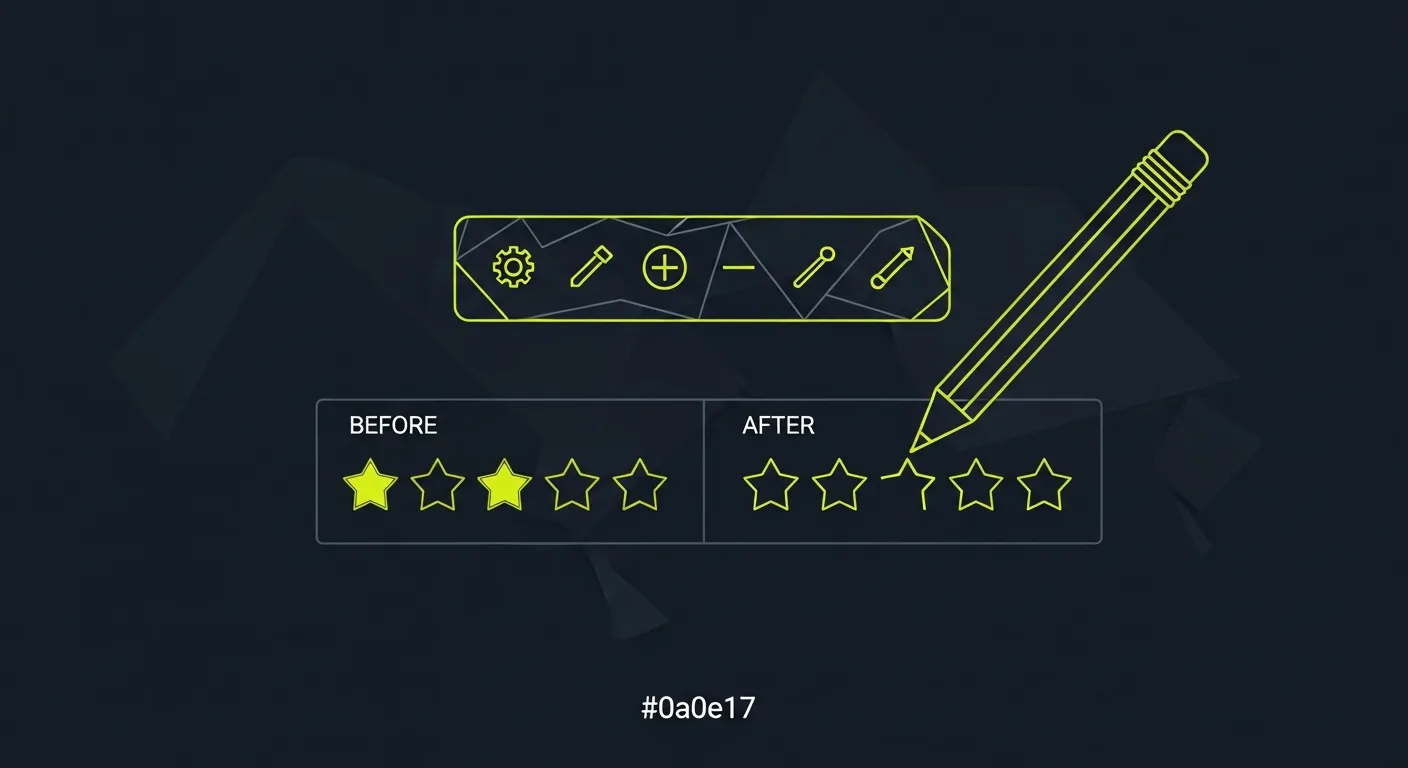
You can change several elements. You can modify the text of your review. You can also update your ratings. Change the star count you gave. Adding or removing photos is possible. You can even delete the entire review. This flexibility allows you to update your feedback. You have complete control over your Google reviews.

How to Edit Reviews: A Step-by-Step Guide

How to Edit Reviews: A Step-by-Step Guide This section gives you a clear, step-by-step guide. You will learn how to edit google reviews. The process remains consistent in 2026. You can update your feedback on both desktop and mobile devices. You must sign into the correct Google account. This is the account you used to post the original review. This ensures you can successfully edit reviews.

Editing Google Reviews on Desktop

You can easily edit google reviews from your computer. Follow these steps to update your feedback. This is how to edit reviews on a desktop.

  • Go to Google Maps: Open your web browser. Type maps.google.com into the address bar. Make sure you are logged into the Google account. This is the account you used to write the review.

  • Open the Menu: Click the three horizontal lines. This is the hamburger menu. It is in the top-left corner of the Google Maps screen.

  • Go to “Your Contributions”: Select “Your Contributions” from the menu. This section holds all your Google contributions. It includes your reviews.

  • Click on the “Reviews” Tab: Find the “Reviews” tab within “Your Contributions.” Click it. You will see all your written google reviews.

  • Find the Review to Edit: Locate the specific review you want to change. It will be in the displayed list.

  • Click the Three Dots: Click the vertical three-dots icon next to the chosen review. This opens a menu of options for that review.

  • Select “Edit Review”: Choose “Edit Review” from the options. This opens the editing window.

  • Make Your Edits and Post: Adjust the star rating in the new window. You can modify the text. You can also add pictures. Click the blue “Post” button. This saves your updated feedback.

These steps help you edit the review.

Editing Google Reviews on Mobile

Editing your google reviews on a mobile device is also simple. You can update your feedback on the go. Here is how to edit reviews using your phone or tablet.

  • Open the Google Maps App: Launch the Google Maps App on your mobile device.

  • Tap Your Profile Picture: Tap on your profile picture or initial. It is in the top right corner. This accesses the menu. Then select 'Your Contributions'.

  • Navigate to the 'Reviews' Tab: Go to the 'Reviews' tab.

  • Locate and Tap the Review: Find the specific review you wish to edit. Tap on it.

  • Tap the Three Vertical Dots: Tap the three vertical dots. This is the options menu. It is associated with the review.

  • Choose 'Edit Review': Select 'Edit Review' from the displayed options.

  • Modify Your Review: Change your star rating. Edit the text. Add or remove pictures or videos as needed.

  • Tap 'Post': Tap 'Post' (or a similar button like 'Done' or 'Publish'). This saves and updates your review.

Remember, you must be signed into the correct Google account to edit my google reviews.

Confirming Your Edited Review

After you edit reviews, you want to confirm your changes. Once you click "Post" or "Save," Google processes your update. The changes usually appear immediately. Sometimes, it takes a few minutes. You can revisit the business's profile on Google Maps. Look for your name and the edited review. This confirms your updated feedback is live. Your edited review now reflects your current experience.

Best Practices for Managing Google Reviews

Best Practices for Managing Google Reviews You control your Google posts. This part gives you tips. It helps when you change reviews. Always keep your feedback true. Think how changes affect others.

Maintaining Authenticity and Honesty

Keep your reviews real. Being honest is key. Do not change reviews for cash. Businesses should not ask you to remove bad feedback for gifts. They should not offer discounts only for good reviews. Gifts should be for any review. Always tell others if you got a gift. Do not hide bad reviews. This breaks trust. Ask all customers for reviews. This makes your reviews real. Do not pay for good reviews. This makes feedback unfair. Do not use offers like "Leave a 5-star review for a reward." This breaks Google rules. Do not write fake reviews. This tricks people. It can also cause trouble.

Considering the Impact of Your Edits

Think about your changes. Your edits impact the business. They also impact other customers. Fake reviews cause big problems. They can lead to legal action. This includes unfair competition. It can also be illegal ads. Such reviews are not right. They trick shoppers. This affects buying choices. They create unfair business. Online sites lose trust with fake reviews. Businesses and customers can lose money. Bad info makes customers unhappy.

The Role of Praising.ai in Review Management

Businesses have a big job. They must handle many reviews. Praising.ai helps businesses. It gives them a simple dashboard. It has auto tools. These tools make managing client listings easy. Praising.ai helps businesses get more reviews. It sends review requests by text, WhatsApp, or email. It uses AI to write replies. These replies are fast and sound good. This helps businesses answer all reviews. Praising.ai also helps businesses rank higher on Google Maps. It collects all reviews in one spot. This replaces many other tools. Praising.ai shares the best reviews on social media. This turns good feedback into more business. This helps businesses manage their overall Google review management.

Business View: Answering Google Reviews

Businesses cannot change what customers write. You might ask why. This part explains why businesses cannot edit reviews. It also shows how to answer them. Lastly, it explains how Praising.ai helps businesses.

Why Businesses Cannot Edit Customer Reviews

Google wants fair feedback. It wants honest customer stories. Google does not remove bad reviews. It wants users to see good and bad. Google's rules stop businesses from editing reviews. Only the person who wrote it can change it. This makes sure reviews are real. It gives people an honest look at a company. If businesses could change reviews, trust would be lost. People might think good reviews are fake. Google stops "review gating." This is a trick. Google says: "Stopping bad reviews, or only asking for good ones" is wrong. Breaking these rules can cause big problems. Google might take away all reviews. Your business page could be stopped.

How Businesses Can Respond to Reviews

You can answer reviews well. Answer bad reviews in 1-2 days. This stops more anger. Understand the customer's problem. Show you care. Say sorry for mistakes. This builds trust. Take responsibility. Do not make excuses. Offer help in private. Give contact info. This fixes problems quietly. Always be polite. Do not guess. Keep emotions low. Share the facts. Only say sorry for their upset. Do not say you are guilty in public. Do not accuse people of fake reviews. Offer a good next step. Talk offline. This helps your online name.

Using Praising.ai for Business Review Talk

Praising.ai helps businesses with Google reviews. It gathers reviews from over 25 sites. This includes Google, Yelp, and Trustpilot. It has one inbox for all reviews. You manage all feedback there. The tool offers AI to auto-reply. This saves businesses time. You can ask for reviews in many ways. Send requests by email, text, WhatsApp, and QR codes. This gets more reviews. Website tools show good reviews to visitors. AI Auto-Share posts reviews to social media. This includes Facebook and Instagram. Managing many places is easy. Praising.ai also has API + Zapier Automation. It has a full alert system. This helps you run your Google business page well.

You can easily keep your Google reviews correct. This makes a trustworthy online space for users. Businesses have a bigger job. They must manage their online name. They get many reviews on Google. Praising.ai helps with this. It collects, manages, and answers reviews. AI writes replies by itself. This saves work. It asks for reviews. It uses email, texts, WhatsApp, and QR codes. This gets more reviews. Your rating score goes up. Praising.ai shows reviews from over 25 places. It helps any business. They can control their online name on Google. It is the best Google choice.

Automate your reviews now!

FAQ

Can I edit my Google review more than once?

Yes, you can change your Google review many times. Google lets you update your thoughts. Do this whenever your experience changes. You control all your posts.

How quickly do my edited Google reviews show up?

Your changed Google review shows fast. It might take a few minutes. Then the updates will appear. Check the business's page. You will see your new review.

Will the business know I edited my review?

Google does not tell the business. They will not know you changed your review. They only see the new version. This is if they look at reviews. Your past review history stays private.

Can I edit a Google review if I posted it anonymously?

No, you cannot post Google reviews without your name. All reviews connect to your Google account. You must sign in to that account. Then you can change any review you wrote.

What happens if I delete my Google review?

If you delete your Google review, it is gone. It disappears from the business's page. No one can see it then. You can write a new review later if you want.

Share this post

Ready to grow?

Turn happy customers into 5-star reviews

Praising.ai automates review collection across Google, Trustpilot, Yelp, and 20+ platforms. Businesses see an average 3x increase in reviews within 30 days.

4.9/5
|500+ businesses|No credit card required

Get weekly review tips

Join 2,000+ business owners getting actionable strategies to grow reviews and revenue.

No spam. Unsubscribe anytime.