How to Turn Off or Disable Google Reviews for Your Business

TL;DR
You cannot turn off or disable Google reviews — there is no setting or toggle that exists. Your real options are flagging reviews that violate Google's content policies for removal, responding professionally to negative feedback, and actively generating more positive reviews to improve your overall rating.
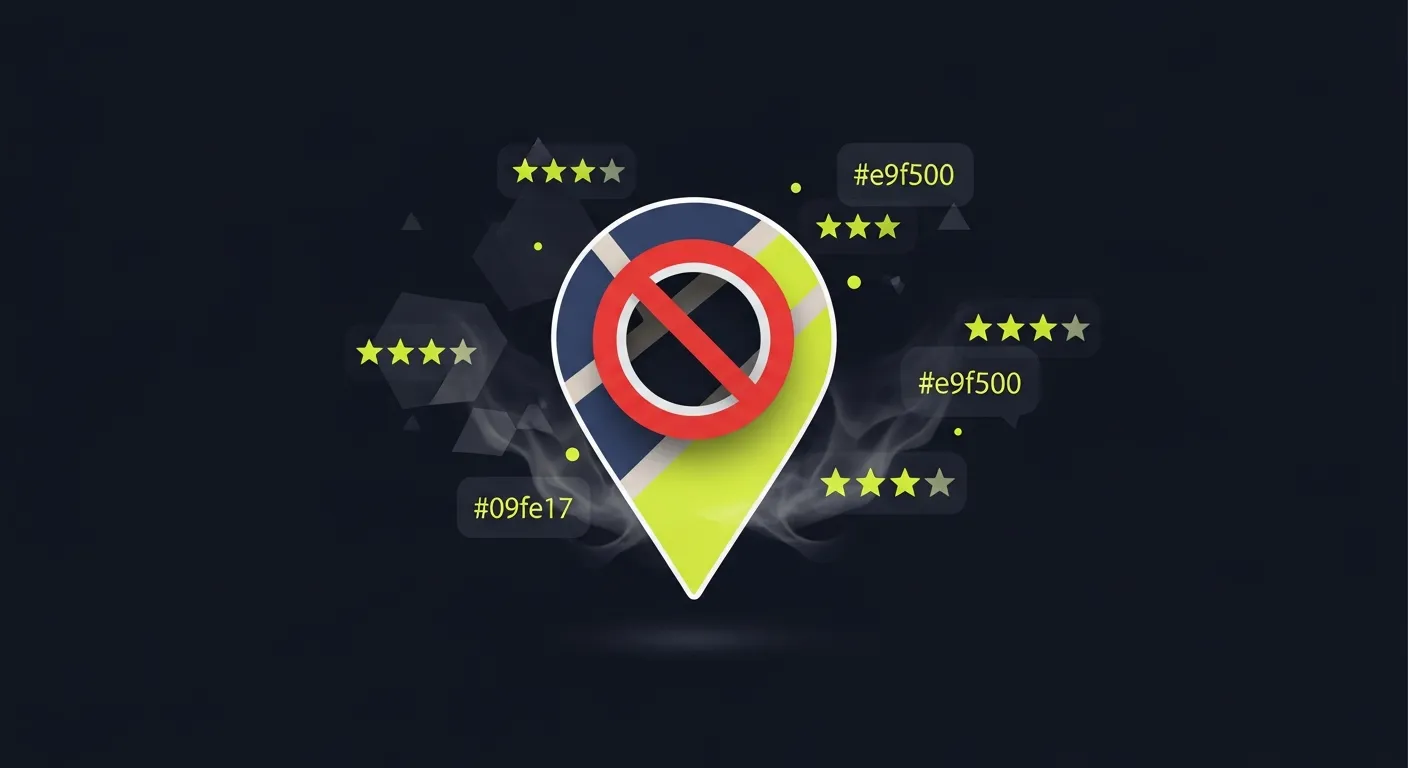
Can you turn off Google reviews? If you're asking yourself "can I turn off my Google reviews" after a wave of negative feedback, you're not alone. Whether the question is "can we turn off Google reviews for our business" or "can I turn off Google reviews for my business," the answer is always the same: Google does not let you disable reviews. There is no setting, toggle, or support request that turns them off.
You've probably landed here after a string of bad reviews — or maybe just one unfair one — and your first instinct is to shut the whole thing down. That's understandable. But before you spend hours hunting for a settings toggle, here's the honest answer: you cannot turn off Google reviews.
Google doesn't give business owners an opt-out switch. Reviews are part of the public record on Google Business Profile, and that's by design. The whole point for consumers is unfiltered, user-generated feedback — letting businesses opt out whenever things got uncomfortable would collapse the entire system.
That said, you're not without options. This guide covers what you can and can't do, what partial solutions actually exist, and what works to protect your reputation instead of hiding from it.
Why Google doesn't let you disable reviews
Google Reviews exist for consumers, not businesses. When someone searches for a dentist, a restaurant, or a plumber, Google wants to surface trustworthy, impartial information. Businesses flipping reviews off whenever things got rough would kill that.
This isn't unique to Google. Yelp, TripAdvisor, and Facebook all operate the same way. Once your business appears on a major platform, reviews come with the territory.
There's also a practical reality: even if you could disable reviews on your own Google Business Profile, third-party sites — Yelp, Trustpilot, industry-specific directories — would keep accumulating feedback. The reputation conversation happens whether you participate or not.
What you can actually do
While you can't disable reviews entirely, a few legitimate actions are available to you.
- Flag and request removal of policy-violating reviews
Google will remove reviews that violate its content policies. This is your most direct tool against genuinely problematic content. Reviews that qualify for removal include:
- Fake or spam reviews from people who never interacted with your business
- Reviews with offensive or inappropriate content — hate speech, explicit material
- Reviews containing personal information — phone numbers, addresses, private details
- Reviews from competitors, if you can demonstrate it
- Off-topic reviews where the reviewer describes a different location or confused your business with another
- Conflict-of-interest reviews from current or former employees
To flag a review:
- Open Google Maps and find your business listing
- Locate the review you want to report
- Click the three-dot menu next to the review
- Select "Report review" and choose the relevant violation category
Google's response time ranges from a few days to several weeks. If your initial request gets denied, you can escalate through Google Business Profile support or the Google Business Profile Help Community.
For a detailed walkthrough, see our guide on how to legally remove bad Google My Business reviews.
- Mark your business as permanently closed
Some businesses consider this the nuclear option — marking the listing as permanently closed stops new reviews from coming in. But the existing reviews stay visible, and now your business looks closed to everyone searching for you. Unless you're actually shutting down, this causes more damage than any review could.
- Delete or unverify your Google Business Profile
You can remove the ownership verification from your profile, leaving Google to generate a listing from publicly available data instead. Sounds like a workaround. It's not:
- Your business information becomes uncontrolled — wrong hours, wrong address, wrong phone
- Existing reviews stay visible
- You lose the ability to respond or manage anything
- You forfeit whatever local SEO value your profile has built
Not a viable strategy.
- Pursue legal action for defamatory content
If a review contains provably false statements of fact that caused real harm to your business, you may have grounds for a defamation claim. In practice, this is expensive, slow, and rarely worth it for most small businesses. A successful suit can compel Google to remove the review, but the legal fees typically outweigh the benefit.
This path makes sense in extreme cases — a false review claiming your business committed fraud or illegal activity, for example. For ordinary negative feedback, it's disproportionate.
The better question: why do you want to turn off reviews?
Most business owners searching for this want one of three things:
A) Stop a flood of negative reviews from a specific incident — a bad stretch, a staff problem, a high-profile complaint that spiraled.
B) Prevent future bad reviews from damaging a new or growing business. One bad actor ruining a clean record.
C) Remove one specific review that feels unfair or defamatory.
For (A) and (B), hiding reviews isn't the answer — the underlying issue is. For (C), the flagging process above is the right route.
Here's the counterintuitive part: businesses with zero reviews or disabled review systems are often more distrusted than businesses with a mix of positive and negative feedback. A business with 47 reviews averaging 4.2 stars looks more credible than one with nothing. Some negative reviews, properly responded to, actually build trust.
What actually works: managing reviews instead of hiding them
If your real concern is protecting your reputation, here's what moves the needle.
Respond to every review, especially negative ones
A well-crafted response to a negative review can do more for your reputation than the review itself. Prospective customers read your responses. When they see you acknowledge problems professionally and explain what changed, it signals accountability.
Keep responses factual, brief, and non-defensive. Don't identify details about the customer or relitigate the specifics publicly.
Dilute negative reviews with volume
Five reviews with two negatives gives you a 3.6-star average that looks rough. Fifty reviews with two negatives gives you a 4.7-star average where those negatives look like outliers.
The fastest way to improve your review profile is to systematically ask satisfied customers to leave reviews. Most happy customers don't think to do it unless prompted. A simple text or email — timed just after a completed job or positive interaction — generates far more reviews than waiting passively.
Monitor reviews so you can respond fast
A negative review sitting unanswered for two weeks looks worse than one answered within 24 hours. Set up alerts so you know when something new gets posted. Tools like Praising.ai's review management platform automate monitoring across Google and Trustpilot, alerting you within a day of a new review appearing so you can respond before it gains traction.
Fix the root cause
If your negative reviews keep mentioning the same things — slow service, billing confusion, a specific staff member — the reviews are doing their job. They're surfacing real operational problems. Fix those directly and the negative reviews taper off on their own.
Comparison: your real options
| Option | Does It Remove/Disable Reviews? | Downsides | Worth Doing? |
|---|---|---|---|
| Flag policy-violating reviews | Sometimes, for eligible reviews | Slow, not guaranteed | Yes |
| Mark business as closed | Stops new reviews | Destroys visibility | No |
| Delete/unverify GBP | Doesn't remove reviews | Loses SEO, control | No |
| Legal action | Possible for defamation | Expensive, slow | Rarely |
| Respond professionally | No, but improves perception | Requires effort | Yes |
| Generate more positive reviews | Dilutes negatives | Takes time | Yes |
| Fix operational issues | Reduces future negatives | Requires internal work | Yes |
What about other review platforms?
The same logic applies to Yelp, Trustpilot, Facebook, and industry-specific sites. None of them give businesses a disable switch. Each has its own process for flagging policy violations.
If your business is being targeted across multiple platforms — often a sign of a coordinated attack or a viral complaint — document everything, respond consistently, and consider whether the volume of flaggable content warrants formal escalation through each platform's business support team.
For a broader look at tools that help you manage reviews across platforms, Praising.ai's pricing page outlines options scaled for small businesses.
When a business legitimately wants fewer reviews
One scenario deserves acknowledgment. Some regulated industries — healthcare, legal, financial services — have genuine concerns about patient or client confidentiality in online reviews. A negative review might reveal protected information, or a response might inadvertently disclose details about the relationship.
In healthcare, HIPAA means you can't confirm or deny that a reviewer was ever your patient. You can still respond generically — "We take all feedback seriously and encourage you to contact us directly" — without confirming the relationship.
These industries can't disable reviews either, but they can and should consult with their compliance team about how to respond safely.
Frequently Asked Questions
Can I turn off Google reviews for my business?
No. Google does not provide an option to disable or turn off reviews for any business. Reviews are visible to anyone searching your business on Google Maps or Search. Your options are to flag reviews that violate Google's policies, respond professionally to negative feedback, or work to increase your volume of positive reviews.
What happens if I delete my Google Business Profile?
Deleting or unverifying your Google Business Profile doesn't remove existing reviews. Google will continue to display a business listing generated from publicly available data, and reviews remain visible. You also lose control over your business information and the ability to respond to reviews.
Can I remove a specific review that I believe is fake?
You can flag it for Google to review. Go to Google Maps, find the review, click the three-dot menu, and select "Report review." Choose the most relevant category — spam, conflict of interest, or off-topic. Google will evaluate it against their policies. Removal is not guaranteed, and the process can take several weeks.
Will a bad review hurt my business long-term?
A single bad review rarely causes lasting damage, especially if you respond professionally. Research consistently shows that consumers expect some negative reviews and are actually suspicious of profiles with perfect scores. A 4.2-star average with dozens of reviews outperforms a 5.0-star average with only a handful.
Is it against Google's rules to ask customers for reviews?
Asking customers for reviews is allowed. What's prohibited is incentivizing reviews (offering discounts, gifts, or payment in exchange), reviewing your own business, or posting fake reviews. Google's policies require that reviews reflect genuine customer experiences.
Can you turn off Google reviews for a specific location?
No. Google treats reviews at the individual listing level, and there is no per-location toggle to disable them. If your business has multiple locations and one is attracting negative reviews, the same rules apply — you can flag policy violations and respond professionally, but you cannot selectively turn off reviews for that location while keeping them on for others.
How do I disable Google reviews for my business?
You cannot disable Google reviews. Google does not offer any setting, form, or support channel that lets business owners turn off, hide, or disable reviews on their Google Business Profile. Reviews are a core part of how Google serves consumers searching for local businesses, and opting out is not available to any business regardless of size or industry. Your options are to flag policy-violating reviews for removal, respond professionally to negative feedback, or focus on generating enough positive reviews to outweigh the negatives. Tools like Praising's review management platform can help automate that process.
How long does it take for a flagged review to be removed?
Google doesn't publish an official timeline. In practice, most decisions come within 3–10 business days. Complex cases or appeals can take several weeks. If a review isn't removed and you believe it clearly violates policy, you can escalate through Google Business Profile support by requesting a human review of the decision.
Ready to grow?
Turn happy customers into 5-star reviews
Praising.ai automates review requests for Google, Trustpilot and the other review sites you use. Businesses see an average 3x increase in reviews within 30 days.
Written by
· 106 articlesMarcus Webb
Reputation Management Specialist
Marcus has spent over a decade helping small and medium businesses understand online reviews and local search. He writes about Google Business Profile, review automation, and the mechanics of reputation management—always from the angle of what actually moves the needle for independent businesses.
View all articlesGet weekly review tips
Actionable strategies to grow reviews and revenue, straight to your inbox.
No spam. Unsubscribe anytime.
Get more 5-star reviews on autopilot
Praising.ai automates review requests for Google, Trustpilot and the other review sites you use — free to start, no credit card required.
Start FreeFree 14-day trial