How to Monitor Google Reviews in 2026: Complete Guide for Businesses

TL;DR
Monitoring Google reviews in 2026 requires more than waiting for email alerts — review recency, reply rate, and response speed now directly affect local search rankings and customer trust. Enable native Google Business Profile notifications as a baseline, then layer in dedicated tools for multi-location visibility, sentiment trends, and team workflow integration.
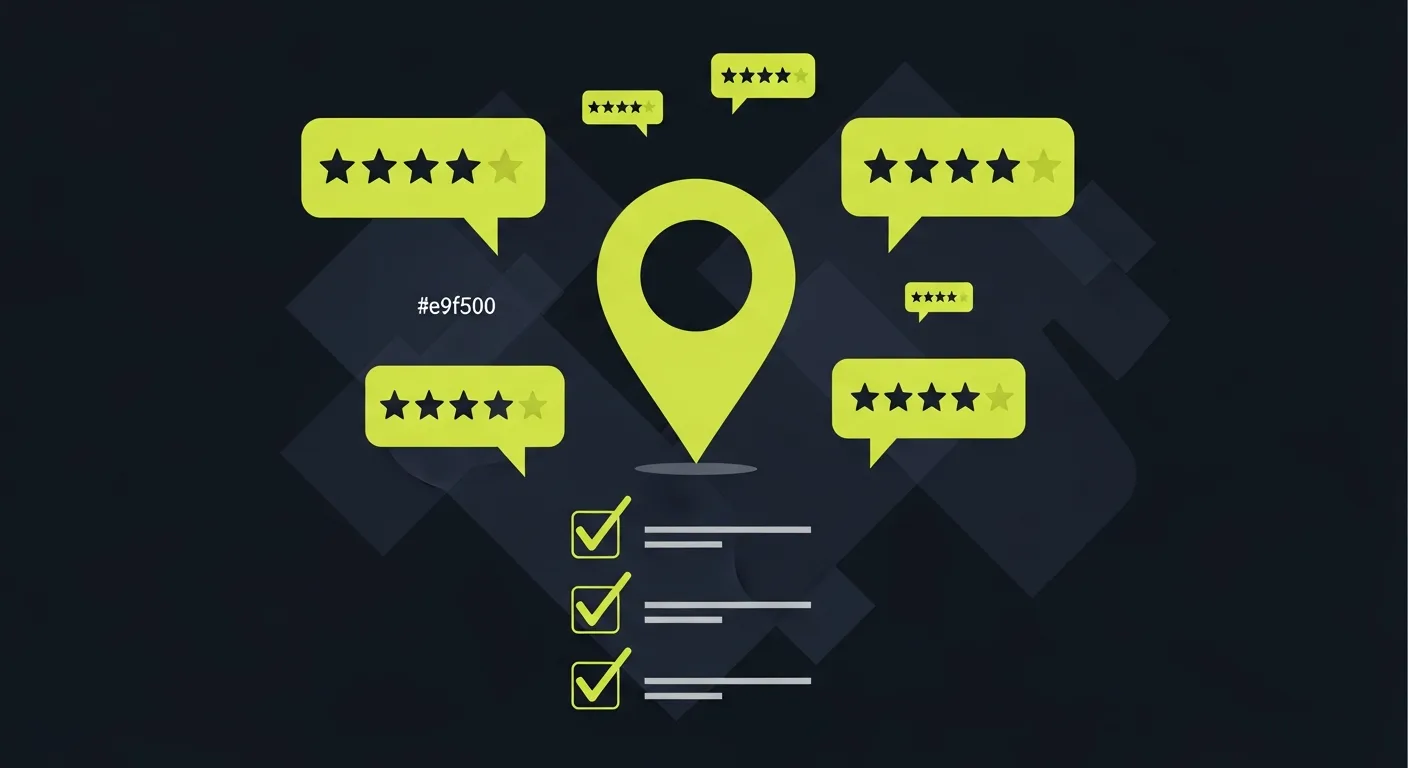
Google reviews are one of the most visible and influential signals in local search. A new one-star review left unanswered for a week costs you more than just a star — it tells every prospective customer who reads it that nobody is watching. Monitoring Google reviews in 2026 means knowing the moment a review posts, understanding what it says, and having a plan to respond.
This guide covers how to monitor Google reviews effectively — from free manual methods to automated tools — and what to actually track once you have a monitoring system in place.
Why monitoring Google reviews matters more in 2026
The competitive landscape for local businesses has shifted. In most categories, Google Business Profile is the primary discovery point for new customers. Before someone calls your business, they have almost certainly read your reviews.
Three things have changed the stakes in 2026 specifically:
Review recency now matters more. Google's local ranking algorithm weights recent reviews over older ones. A business that collected 200 reviews two years ago and has seen minimal activity since then ranks lower than a competitor with 80 reviews and consistent new ones arriving weekly. Monitoring helps you know when your review velocity drops.
AI-generated review responses are now common. Businesses that reply to every review — and do it well — stand out from those that reply to none. A monitored and actively managed profile signals to Google and to potential customers that the business is attentive. Reply rate is now a visible trust signal. When a prospective customer runs a website credibility check before making a purchase, your reply rate on Google reviews is one of the independent signals they examine — a profile with regular owner responses reads as a legitimate, operating business in a way that a profile with none does not.
Negative reviews spread faster. A single negative product review posted on a Tuesday evening can be the first thing a new customer reads on Wednesday morning. Monitoring means you find it before it sits unanswered for days.
How Google review notifications work natively
Your Google Business Profile includes a basic notification system. Here is what it does and what it does not do.
What GBP notifications cover:
- Email alert when a new review is posted
- In-app notification in the Google Business Profile app
- Option to set notifications per location if you manage multiple profiles
What GBP notifications do not cover:
- Real-time push notifications on mobile (alerts can be delayed)
- Aggregated dashboards if you manage 10+ locations
- Any analytics on review trends, sentiment, or reply rates
- Integration with your team's workflow tools
For a single-location business with low review volume, the native GBP notification is often sufficient to stay on top of reviews. For any business that cares about response time, review trends, or multi-location visibility, a dedicated monitoring setup is worth adding.
Setting up Google Business Profile notifications
Before adding any third-party tool, make sure GBP notifications are enabled:
- Sign in to your Google Business Profile at business.google.com
- Select your business location
- Go to Settings → Notifications
- Enable "New reviews" notifications
- Confirm the notification email address is one that reaches someone who can respond
This takes two minutes and ensures you have a baseline catch even if your primary monitoring system ever has a gap.
What to track when monitoring Google reviews
Effective review monitoring is not just about getting the alert. It is about understanding what the reviews collectively tell you. These are the metrics worth tracking:
Overall star rating trend
Your average rating today is less important than the direction it is moving. A 4.2 moving toward 4.4 over three months is a positive signal. A 4.5 dropping toward 4.2 indicates something systemic — a new staff member, a product quality issue, a change in service delivery — that the rating alone does not reveal.
New review volume per week or month
Review velocity matters for local SEO. If you normally see four new reviews per week and that drops to one, something has changed. Monitoring gives you the data to notice that signal early.
Response rate
The percentage of your reviews that have a reply is increasingly visible to customers. A profile with 150 reviews and 12 responses looks less attentive than one with 60 reviews and 55 responses. Track your reply rate over time and set a target — most businesses aim for 90%+ over a rolling 90 days.
Average response time
How long does it take from when a review posts to when you reply? Monitoring gives you this data. Businesses with average response times under 24 hours tend to see better engagement on their profiles.
Keyword themes in negative reviews
When the same complaint appears in three reviews in a month, it is not a coincidence. Monitoring review text for recurring language ("wait time," "wrong order," "unfriendly," "dirty") surfaces operational issues faster than any internal survey.
Competitor rating benchmarks
You do not operate in a vacuum. If your category average in your city is 4.3 stars and you are at 4.1, you are below the floor most customers use to filter results. Monitoring your own profile in context of local competition tells you where the real urgency is.
Manual monitoring methods that work
Not every business needs an enterprise monitoring platform. For businesses just starting to take reviews seriously, manual monitoring is a workable starting point.
Google Business Profile dashboard (weekly check): Log in to business.google.com once a week. Filter by "New" to see reviews posted since your last visit. Reply to anything that has not received a response. This takes 15 minutes and is better than nothing.
Google Alerts (for brand mentions beyond GBP): Set up a Google Alert for your business name. This catches reviews and mentions on third-party sites, news, and forums — not just your GBP. Free, and useful as a catch-all signal.
Dedicated spreadsheet log: For small teams, a simple Google Sheet with columns for date, reviewer name, star rating, review summary, response status, and response date creates an audit trail. It is manual but it makes patterns visible over time.
The limitation of manual monitoring is response time. If a negative one-star product review posts on a Saturday and you check your profile on Monday morning, that review has been the first thing new visitors see for 48 hours without a response.
Automated Google review monitoring: what it adds
Automated monitoring solves the response time problem and adds analytics that manual checking cannot.
Instant alerts: A monitoring platform sends a notification — email, SMS, or Slack — within minutes of a new review posting. For businesses where a single negative review can meaningfully impact bookings or sales, that speed matters.
Review analytics dashboard: Rather than scrolling through individual reviews, you see charts: rating over time, review volume by week, reply rate by location, sentiment breakdown by topic. This turns review data from a list of individual comments into actionable operational intelligence.
Multi-location aggregation: If you have three locations, or thirty, a monitoring platform shows all of them in one place. A franchisee or area manager can see which location's rating is declining and which is thriving without logging into three separate GBP accounts.
AI-assisted reply drafting: Responding to every review well is time-consuming if done from scratch. Review monitoring tools that include AI reply suggestions let your team respond to a new review in under a minute — review the draft, personalise if needed, post. This is what makes 90%+ reply rates realistic for a business with high review volume.
Review request automation: Monitoring your inbound reviews is only half the equation. The other half is generating new ones. An integrated platform handles both — automatically sending review requests to customers after appointments or purchases, while monitoring the reviews those requests produce.
Monitoring product reviews on Google specifically
For businesses that sell products — whether in a physical store or through an e-commerce presence linked to a Google Business Profile — monitoring extends beyond service reviews.
Google Business Profile product reviews appear in the "Products" section of your GBP listing and are separate from your overall star rating. They are reviewable by customers who have purchased specific items. Monitoring these requires checking the Products tab in your GBP dashboard, or using a platform that surfaces product-level review data.
Google Shopping reviews come from Google's shopping product database and appear on product pages in search results. These are aggregated from multiple sources and managed separately through Google Merchant Center. Businesses selling online should monitor both their GBP rating and their product ratings in Merchant Center to get a complete picture of how customers are rating specific items.
The gap between "my overall rating is 4.4" and "product X has a 3.1 rating from 22 reviews" is something only product-level monitoring reveals. If you manage product reviews separately from service reviews, you can identify specific items that are generating dissatisfaction and address them before they pull down your overall profile.
Setting a response cadence that works
Monitoring without a response plan defeats the purpose. Here is a practical response cadence for most businesses:
Negative reviews (1–2 stars): Respond within 4 hours during business hours. Acknowledge the specific issue, apologise without admitting fault where appropriate, offer to resolve offline, and provide a contact. Do not argue or get defensive.
Neutral reviews (3 stars): Respond within 24 hours. These often contain specific feedback that is more useful than a generic positive review. Thank the reviewer and address any specific points raised.
Positive reviews (4–5 stars): Respond within 48 hours. Brief, genuine, personalised responses are better than template replies. Reference something specific in the review where possible.
The goal is not perfection — it is consistency. A business that responds to 85% of reviews within 24 hours builds a more trustworthy profile than one that responds perfectly to 30%.
Choosing a Google review monitoring tool in 2026
If you are evaluating monitoring tools, these are the criteria that matter most:
Alert speed: How quickly does the tool notify you of a new review? Some platforms update every hour; the best update within minutes. For businesses where response time is critical, this is the most important differentiator.
Coverage: Does the tool cover only Google, or does it aggregate reviews from Yelp, Facebook, Healthgrades, and other platforms? For most local businesses, Google is the priority, but a unified dashboard reduces the risk of missing reviews on secondary platforms.
Multi-location support: If you manage more than one location, does the tool let you see all locations in one view? Can you filter by location, date, and rating?
Reply tools: Does the platform include AI-assisted reply drafting, or do you need to write every response in a separate interface? Integrated reply tools reduce friction and increase the likelihood your team actually responds consistently.
Review request integration: A platform that handles both monitoring inbound reviews and sending outbound review requests to customers creates a closed loop — you generate new reviews and monitor them from one place.
Price: Monitoring tools range from free (native GBP) to enterprise-tier at $500+/month. For most small businesses with one to three locations, platforms in the $19–$50/month range provide adequate coverage.
Praising.ai is built specifically for local businesses that want to monitor Google reviews and act on them without a dedicated marketing team. The dashboard shows all incoming reviews in real time, sends alerts via email, and generates AI reply drafts that your team can post in under a minute. Review request automation runs in the background, keeping your review volume growing while monitoring keeps you informed of every new review that arrives.
Summary: what an effective Google review monitoring setup looks like
A practical monitoring setup for most local businesses in 2026 includes:
- GBP notifications enabled as a baseline catch for new reviews
- A monitoring platform for instant alerts, trend analytics, and multi-location visibility
- A response policy that defines how quickly each review type receives a reply and who is responsible for responding
- Weekly review of trends — not just individual reviews — to spot patterns in feedback and rating movement
- Product review monitoring if your GBP includes a product catalog or you sell through Google Shopping
The businesses that manage their Google reviews most effectively in 2026 are not the ones who get the most reviews. They are the ones who know about every review quickly, respond to every review consistently, and use the data reviews generate to identify operational issues before they compound.
Google reviews are public, permanent, and influential. Monitoring them is not optional for any business that depends on local search visibility.
Frequently asked questions
How do I monitor Google reviews in 2026?
You can monitor Google reviews in 2026 manually through your Google Business Profile dashboard, which sends email notifications for new reviews. For automated monitoring, tools like Praising.ai pull new reviews into a single dashboard, alert you immediately when a review arrives, and give you AI-drafted reply suggestions — so you never miss a review or leave one unanswered.
Does Google notify you when you get a new review?
Yes, Google sends email notifications when a new review appears on your Google Business Profile — but only if notifications are enabled in your GBP settings. The notifications are per-location and can have a delay. For businesses with multiple locations or high review volume, a dedicated review monitoring tool gives faster, more consistent alerts.
What is the best way to monitor product reviews on Google in 2026?
The best approach in 2026 combines GBP notifications for immediate alerts with a dedicated review monitoring platform that tracks rating trends, reply rates, and review volume over time. For product-focused businesses, monitoring Google Shopping reviews separately from GBP reviews is also important, as they appear in different places.
Can I monitor Google reviews for free?
Yes. Your Google Business Profile dashboard shows all your reviews at no cost and includes basic email notifications. Google Alerts is another free option for monitoring brand mentions across the web, including reviews. Free monitoring works well for businesses with low review volume; paid tools become worthwhile when you have multiple locations or need reply automation and trend analysis.
How often should I check my Google reviews?
Most businesses should aim to see new reviews within 24 hours of posting. A review left unanswered for more than 3–4 days — especially a negative one — signals to potential customers that you are not attentive. Automated monitoring tools remove the need to check manually by sending alerts as soon as a review appears.
What should I track when monitoring Google reviews?
The key metrics to track when monitoring Google reviews are: overall star rating trend (rising, falling, or flat), new review volume per week or month, response rate (percentage of reviews you have replied to), average reply time, common keywords in negative reviews (recurring complaints), and competitor rating benchmarks for your category.
Can Google review monitoring help with local SEO in 2026?
Yes. Google's local ranking algorithm uses review count, recency, and your reply rate as ranking signals. Monitoring reviews — and responding to them consistently — directly influences how your business ranks in Google Maps and local search results. Businesses with active monitoring and reply workflows typically maintain higher ratings and better local visibility than those who check reviews only occasionally.
How do I monitor Google reviews across multiple locations?
Google Business Profile lets you manage multiple locations from one account, but the native interface makes it time-consuming to review each location's feed separately. Multi-location businesses typically use a dedicated monitoring platform that aggregates all location reviews into a single dashboard with location-level filtering, so your team can see and respond to every review without switching between location accounts.
Ready to grow?
Turn happy customers into 5-star reviews
Praising.ai automates review collection across Google, Trustpilot, Yelp, and 20+ platforms. Businesses see an average 3x increase in reviews within 30 days.
Written by
· 106 articlesMarcus Webb
Reputation Management Specialist
Marcus has spent over a decade helping small and medium businesses understand online reviews and local search. He writes about Google Business Profile, review automation, and the mechanics of reputation management—always from the angle of what actually moves the needle for independent businesses.
View all articlesGet weekly review tips
Actionable strategies to grow reviews and revenue, straight to your inbox.
No spam. Unsubscribe anytime.
Get more 5-star reviews on autopilot
Praising.ai automates review collection across Google, Trustpilot, and 20+ platforms — no credit card required.
Start FreeFree 14-day trial