Top 10 Website Credibility Checkers for 2026

TL;DR
Free tools like Google Safe Browsing, Scamadviser, URLVoid, and Norton Safe Web let you verify any website in under five minutes by checking malware flags, domain age, SSL status, and blacklist history. A trustworthy site scores above 80 on Scamadviser, shows no engine detections on URLVoid, and has a domain older than 12 months. Run all four checks before entering payment details or personal information.
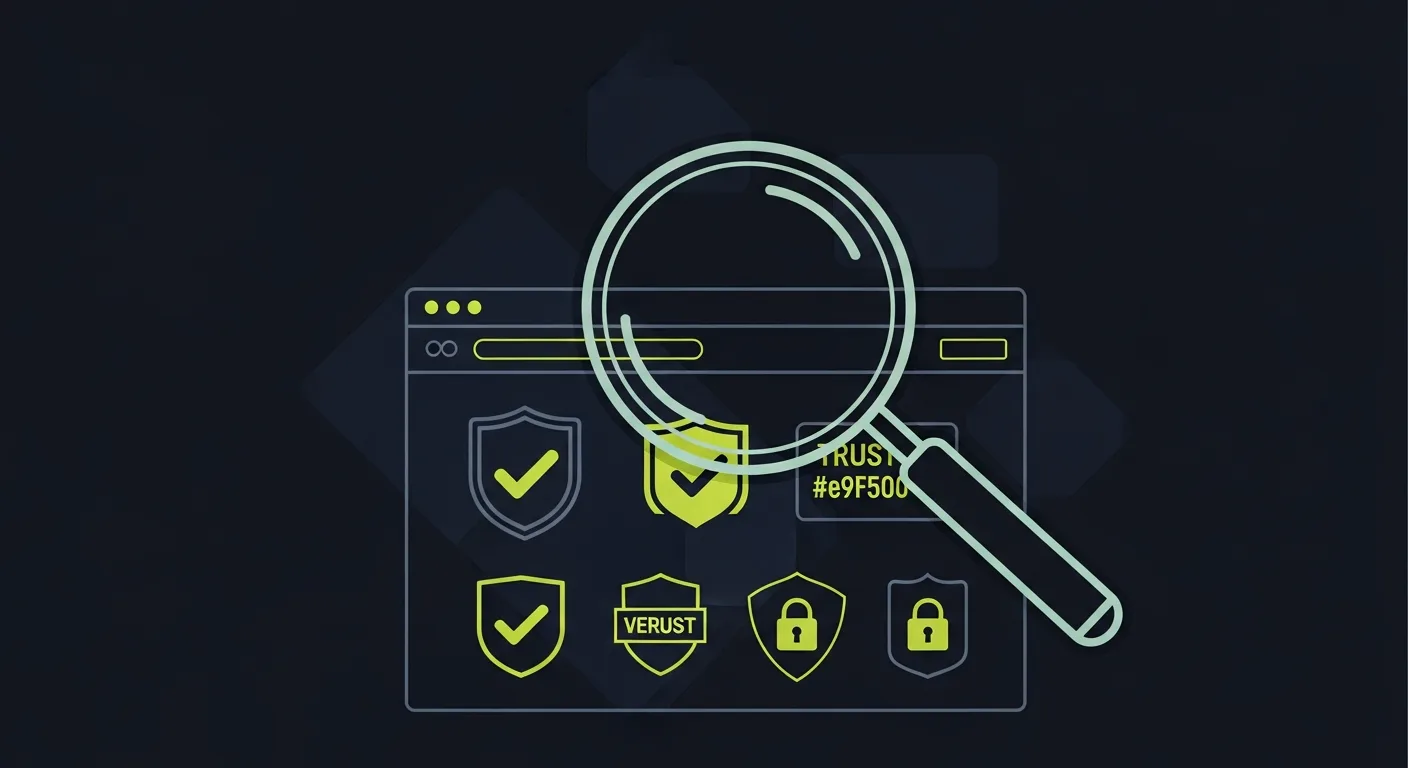
Before clicking a link or handing over payment details, it takes about two minutes to verify whether a website is actually trustworthy. Scam sites, phishing pages, and fake storefronts look increasingly convincing — but several free tools can expose them in seconds. This guide covers the 10 best website credibility checkers for 2026 and explains exactly what to look for when you run a check.
What to Check Before You Trust a Website
A credible website typically passes four tests: it has no malware flags, a domain that's been registered for more than a year, a valid SSL certificate, and a real business identity backed by verifiable reviews. Running a full check takes about five minutes using the tools below.
- Google Safe Browsing

Best for: Confirming a site hasn't been flagged for malware or phishing.
Google's Transparency Report is powered by the same crawl data that safeguards billions of Chrome users. Enter any URL at transparencyreport.google.com and within seconds you'll see whether Google has flagged the site for deceptive content, malware distribution, or unwanted software.
What to look for: A green "No unsafe content found" result. If the tool returns a warning, treat the site as compromised regardless of how legitimate it looks. Google updates this database multiple times per day.
- Scamadviser
Best for: Quick trust-score overview of unfamiliar e-commerce sites.
Scamadviser generates a trust score from 0–100 by analyzing the domain's age, hosting country, SSL configuration, Alexa rank, and whether the registrant's identity is hidden. Scores below 40 are serious red flags. The tool also aggregates user-submitted scam reports.
What to look for: A score above 80, a domain age over 12 months, and a hosting location in a major economy. Sites with hidden WHOIS data and low scores are high-risk regardless of how polished they appear.
- Norton Safe Web
Best for: Checking reputation from a consumer-security perspective.
Symantec's Safe Web database rates websites based on threat detections, phishing history, spam links, and community user reports. You can also install the browser extension to see safety ratings directly in Google search results — a useful layer of protection when clicking from a search page.
What to look for: A "Safe" rating in green. "Caution" or "Warning" ratings indicate something has been flagged; click through to see exactly what. The community notes section often contains firsthand reports of scam activity.
- URLVoid
Best for: Technical users who want a multi-engine blacklist check.
URLVoid queries 30+ security engines and blacklist databases simultaneously, returning results from sources like PhishTank, Google Safe Browsing, Sucuri SiteCheck, and Trustwave. It also shows IP geolocation, domain registration dates, and DNS information in one view.
What to look for: Zero detections across all engines. Even one or two flags from minor engines warrants caution. The domain age field is particularly revealing — a site claiming to be established that registered last month is almost certainly fraudulent.
5. Trustpilot
Best for: Verifying a business's real-world reputation through customer reviews.
Trustpilot is the world's largest independent review platform with over 260 million reviews. For any established business, check their Trustpilot profile: what's the overall score, how many reviews do they have, and does the company reply to negative feedback?
What to look for: A score above 4.0 with at least 50+ reviews is a meaningful signal. Watch for sudden spikes in 5-star reviews (possible fake review activity) or zero responses to 1-star complaints. A business with no Trustpilot presence at all warrants extra scrutiny for high-value purchases.
- Web of Trust (WOT)
Best for: Browser-level protection that rates sites as you browse.
WOT is a browser extension with over 5 million users that assigns color-coded trust badges — green (safe), yellow (caution), red (dangerous) — to websites based on a blend of automated scans and community reports. It works across Chrome, Firefox, and Edge.
What to look for: Green badges for anything you're about to transact with. The detailed breakdown shows separate scores for trustworthiness, child safety, and privacy — useful context beyond a single score. Clicking the badge opens the full report with recent user comments.
- VirusTotal
Best for: Deep malware scanning using 70+ antivirus engines.
VirusTotal (owned by Google) is the gold standard for URL and file scanning. Paste any URL to simultaneously run it against engines from Kaspersky, Bitdefender, Sophos, ESET, and 65+ others. You'll see a detailed per-engine breakdown showing exactly which flagged the URL and what they detected.
What to look for: The "Community Score" at the top and the votes from the security research community. If even a handful of well-regarded engines (not just obscure ones) flag a URL, consider it dangerous. The "Relations" tab shows linked domains that may also be malicious.
- Whois Lookup
Best for: Checking domain age and ownership transparency.
Domain registration records reveal when a site was created, when it expires, and — unless privacy-protected — who registered it. Use whois.domaintools.com for detailed historical records. A domain registered within the last 3–6 months claiming to be an established business is a major red flag.
What to look for: Registration date, registrar, and whether the registrant details are hidden behind a privacy service. WHOIS privacy itself isn't suspicious — legitimate businesses use it — but pairing it with a young domain and no reviews is a warning combination.
- SSL Certificate Check
Best for: Verifying a site's security configuration before submitting any data.
Every legitimate website should have a valid SSL certificate (the padlock icon in your browser address bar). For a deeper look, SSL Labs' Server Test grades the full SSL/TLS configuration: certificate authority, expiration date, protocol support, and security vulnerabilities.
What to look for: An A or A+ rating from SSL Labs, a certificate issued by a recognized authority (Let's Encrypt, DigiCert, Comodo), and an expiration date that's current. Sites still running TLS 1.0 or self-signed certificates should not receive payment information.
- BBB (Better Business Bureau)
Best for: Checking the complaint and accreditation history of U.S.-based businesses.
The Better Business Bureau maintains complaint histories, resolution records, and accreditation status for millions of U.S. businesses. An A+ rating with a long accreditation history and resolved complaints is a meaningful trust signal. A business that ignores complaints or has an F rating should raise immediate concern.
What to look for: The overall letter grade, number of complaints in the past 12 months, and — critically — whether those complaints were resolved. Also check "Customer Reviews" separately from the BBB rating, as these are independently submitted.
5-Minute Website Credibility Checklist
For any high-stakes transaction or unfamiliar site, run through this sequence:
- Google Safe Browsing → no threats flagged
- Scamadviser → score above 80, domain age over 12 months
- URLVoid → zero blacklist hits
- Trustpilot / Google reviews → verified reviews exist and the business responds
- Whois → domain registered more than a year ago
- SSL check → valid certificate from a recognized issuer
If all six pass, the site is very likely legitimate. If any two fail, proceed with extreme caution or avoid entirely.
Building Your Own Website's Credibility
If you run a business website, trust signals work both ways. Visitors use many of these same tools to evaluate you. The most effective trust signals on your own site are:
- Customer reviews displayed prominently, especially on your homepage
- Active responses to both positive and negative feedback
- Valid SSL certificate and up-to-date security headers
- Complete business data — physical address, phone number, and email
- Verified third-party profiles on Google, Trustpilot, and BBB
Praising.ai's website credibility and reliability checker helps local businesses collect and display reviews automatically, turning your real customer feedback into the strongest trust signal your website can have.
Frequently Asked Questions
How can I tell if a website is legitimate?
Run the URL through Google Safe Browsing and VirusTotal first — these catch active threats. Then check Scamadviser for a trust score and domain age. Finally, search for the business on Trustpilot or Google Reviews. Real businesses have a verifiable history, actual customer reviews, and transparent contact information.
Are free credibility checkers reliable?
Yes — for the tools listed here. Google Safe Browsing, VirusTotal, URLVoid, Scamadviser, and Whois Lookup are all used by security professionals and updated continuously. No single tool catches everything, which is why the 5-minute checklist above uses multiple sources. For high-value decisions (large purchases, sharing financial data), combining three or more tools is always safer.
What's the fastest way to check if a website is safe?
The single fastest check is Google Safe Browsing — paste the URL and get an immediate answer. For a 60-second check, pair it with Scamadviser's trust score. If both come back clean and the domain is over a year old, the site is very likely safe for general browsing.
What makes a website NOT credible?
Key red flags include: a domain registered within the last few months, a Scamadviser score below 40, any flags on Google Safe Browsing or VirusTotal, no reviews on Trustpilot or Google, missing SSL certificate or an expired one, hidden WHOIS details combined with a new domain, and contact information that doesn't resolve to a real address.
How do Google reviews affect website credibility?
Google reviews are one of the most trusted credibility signals because they're tied to verified Google accounts and locations. A business with hundreds of recent Google reviews — especially with owner responses — signals active, legitimate operation. The volume, recency, and rating distribution all matter: a 4.3-star average with 200+ reviews is far more credible than a 5.0 average with 4 reviews.
Ready to grow?
Turn happy customers into 5-star reviews
Praising.ai automates review requests for Google, Trustpilot and the other review sites you use. Businesses see an average 3x increase in reviews within 30 days.
Written by
· 64 articlesLeila Foster
AI & Digital Marketing Writer
Leila covers the intersection of AI and customer marketing—specifically how businesses use social proof, automated testimonials, and AI-generated responses to build trust and convert more visitors. She researches the tools and workflows behind modern reputation marketing so you don't have to.
View all articlesGet weekly review tips
Actionable strategies to grow reviews and revenue, straight to your inbox.
No spam. Unsubscribe anytime.
Get more 5-star reviews on autopilot
Praising.ai automates review requests for Google, Trustpilot and the other review sites you use — free to start, no credit card required.
Start FreeFree 14-day trial