How to Disable Google Reviews (And Why You Can't)

TL;DR
Google does not let any business disable reviews. There is no setting, form, or workaround that removes the review section from a Google Business Profile. Your real options are flagging policy-violating reviews for removal, responding professionally to negative feedback, and building enough positive review volume to improve your overall rating.
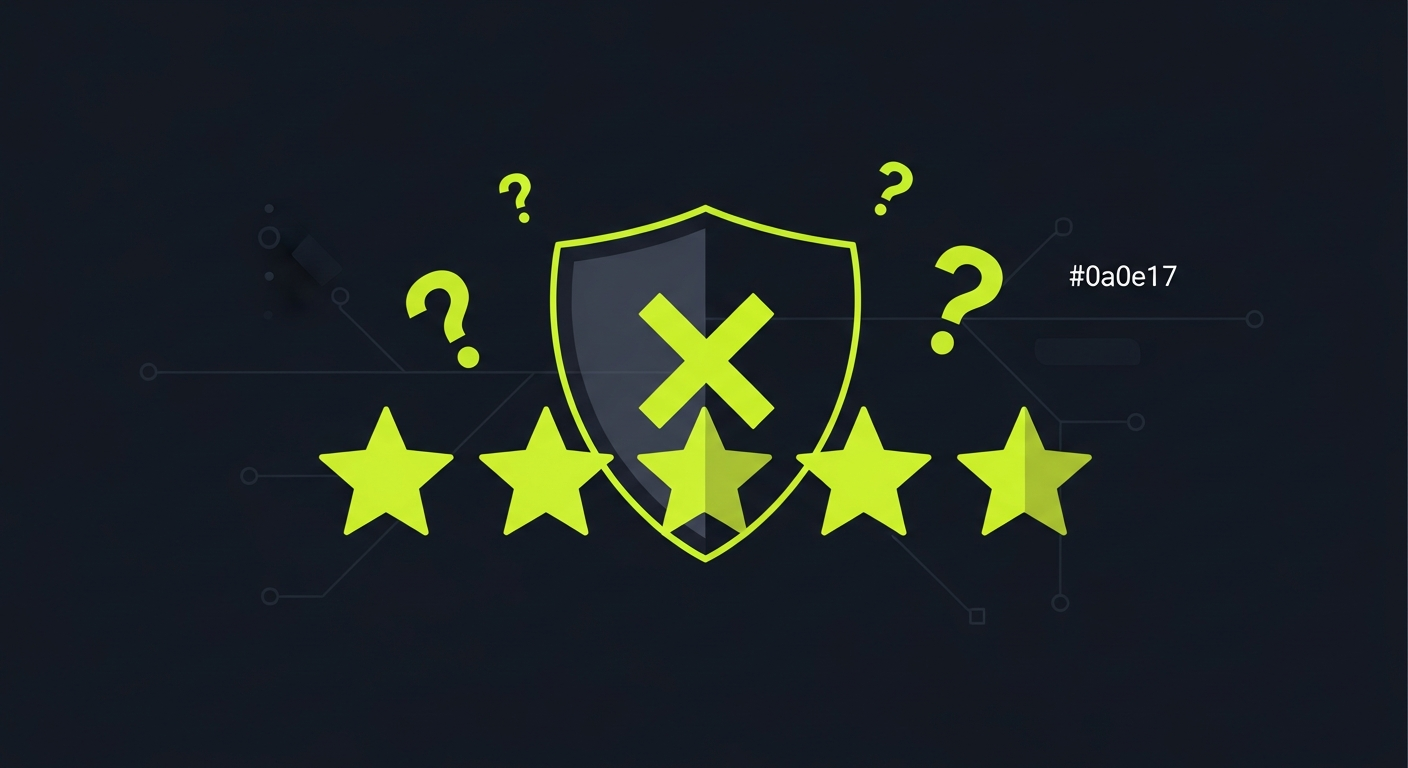
Google does not let you disable reviews. There is no toggle, no support form, no workaround, and no paid plan that removes the review section from your Google Business Profile. If you searched "how to disable Google reviews" hoping for an off switch, the short answer is that it does not exist — and it never has.
This guide explains why Google keeps reviews permanently visible, what you can actually do about reviews that violate Google's policies, and how businesses that stop looking for a disable button and start managing reviews instead end up in a much stronger position.
Can you disable Google reviews?
No. Google does not provide any way to disable, hide, or turn off reviews on a Google Business Profile. This applies to every business, in every industry, regardless of size. There is no account setting, no support ticket category, and no Business Profile feature that removes the review section from your listing.
This is not an oversight. Google built reviews as a permanent, public-facing feature because they serve consumers searching for local businesses. A system where businesses could disable reviews whenever their rating dropped would undermine the purpose entirely.
Every major review platform works the same way. Yelp, Trustpilot, TripAdvisor, and Facebook all display reviews publicly and do not give businesses an opt-out.
Why Google does not allow disabling reviews
Google Reviews exist to help consumers make informed decisions. When someone searches for a restaurant, a dentist, or a contractor, Google surfaces review data because unfiltered customer feedback is one of the strongest trust signals available.
If businesses could disable reviews:
- Consumer trust collapses. Shoppers would never know whether a missing review section meant a new business or a business hiding bad feedback.
- Search results lose value. Google uses review data — volume, recency, rating, owner responses — as a ranking signal for local search. Removing reviews removes signal.
- The problem moves, not disappears. Even if your Google reviews vanish, customers still find you on Yelp, industry directories, and social media. The conversation about your business happens whether you participate or not.
Google's position on this has not changed since Google Business Profiles launched. There is no indication it will change.
Methods people try to disable reviews (and why they fail)
Business owners who want to disable Google reviews sometimes try these workarounds. None of them accomplish the goal.
Marking your business as permanently closed
Marking a listing as permanently closed stops new reviews from appearing. But existing reviews remain visible, and your business now looks closed to every potential customer who searches for you. Unless you are actually closing, this causes more damage than any negative review.
Deleting or unverifying your Google Business Profile
Removing ownership verification leaves Google to generate a listing from publicly available data. Your reviews stay visible. You lose the ability to respond to them, correct your business information, or post updates. Your local search ranking drops because unverified profiles receive less visibility.
Requesting Google Support to disable reviews
Google Support does not honor requests to disable reviews. Support agents can help with specific policy-violation reports or account access issues, but they cannot and will not turn off the review section for your business. Filing repeated requests does not change this.
Creating a new listing
Some businesses try to start fresh by creating a new Google Business Profile. Google's systems detect duplicate listings for the same business at the same address and will merge or suppress the duplicate. Even if a new listing temporarily appears, it eventually gets flagged, and you end up back where you started — sometimes with both listings visible and neither one fully under your control.
What you can do instead of disabling reviews
Since disabling reviews is not an option, the businesses that win are the ones that manage reviews actively. Here are the tools Google actually gives you.
Flag policy-violating reviews for removal
Google removes reviews that violate its content policies. Reviews eligible for removal include:
- Spam and fake content — reviews from people who never visited your business, paid review schemes, or duplicate reviews from the same account
- Off-topic content — reviews describing a different business or location
- Offensive material — hate speech, explicit content, threats, or personal attacks
- Privacy violations — reviews that include phone numbers, home addresses, or other private information
- Conflict of interest — reviews from employees, competitors, or the business owner
To flag a review:
- Find the review on Google Maps or in your Business Profile dashboard
- Click the three-dot menu next to it
- Select "Report review"
- Choose the policy violation that applies
Google typically evaluates reports within 3 to 10 business days. If your report is denied, you can appeal through the Business Profile Help Center.
For a detailed walkthrough of the removal process, see our guide on how to legally remove bad Google reviews.
Respond to every review — especially the negative ones
Potential customers read owner responses. A professional, empathetic reply to a negative review often matters more to future buyers than the negative review itself. Responding shows that your business pays attention and handles problems.
Effective responses follow a pattern:
- Acknowledge the experience without being defensive
- Apologize where appropriate — a genuine apology for a real service failure builds credibility
- Offer to resolve the issue — provide a phone number or email so the conversation moves offline
- Keep it short — two to four sentences is enough
Consistently responding to reviews also sends a signal to Google that your business is active, which can support your local search visibility.
Build positive review volume
A single negative review stands out when you have 5 total reviews. It barely registers when you have 150. The most effective way to improve your rating is not to remove negative reviews — it is to generate enough genuine positive reviews that your average reflects your actual customer experience.
This means making review requests a routine part of your customer workflow. After every completed service, appointment, or purchase, ask the customer to share their experience.
Praising automates this with email review requests on every plan. An Auto-Send rule emails each new contact once your account's email is confirmed, or you can set a delay after the customer's service date. On paid plans, you can also send text requests from the Send page. Every customer gets the same request — there is no filtering by satisfaction.
For more on building review volume, see our guide on how to get more Google reviews.
Special cases: when disabling reviews seems urgent
Some situations make the desire to disable reviews feel especially pressing. Here is what to do in each one.
You are getting review-bombed
If your business receives a sudden influx of fake or coordinated negative reviews — often from people who have never been customers — flag each review individually for spam. Google's systems sometimes detect unusual review activity automatically and may temporarily limit the display of new reviews while investigating.
If the attack is severe, contact Google Business Profile support directly through the "Contact us" option in the Help Center. Explain the situation, provide evidence (timestamps, patterns, reviewer profiles), and request an expedited review.
A single devastating review is hurting your business
One extremely negative review with specific (false) claims can feel like an emergency. If the review contains provably false statements of fact — not opinions — you may have grounds for a defamation claim. In practice, legal action is expensive and slow. Before going that route, check whether the review violates Google's content policies and flag it.
If the review does not violate any policy, your best move is a professional response that addresses the claims without being argumentative, followed by actively requesting reviews from recent customers to push the negative review down.
You are in a sensitive industry
Healthcare providers, legal professionals, and financial advisors sometimes worry that reviews could expose confidential information. You cannot disable reviews to prevent this, but you can:
- Flag any review that reveals private information (this is a clear policy violation)
- Respond carefully without confirming or denying the reviewer's identity or details
- Consult your compliance team about response guidelines specific to your industry
Frequently Asked Questions
Can I disable Google reviews for my business?
No. Google does not provide any way to disable, turn off, or hide reviews on a Google Business Profile. Reviews are a permanent, public feature of every listed business. You can flag reviews that violate Google's content policies, respond to negative reviews, and work to build more positive reviews.
Is there a way to disable Google reviews for one location?
No. Google applies the same review rules to every business listing individually. If you have multiple locations, each has its own reviews and there is no toggle to disable reviews for a specific location.
How do I disable Google reviews on my website?
If you are embedding Google reviews on your own website using a third-party widget, you control what appears there. You can choose which reviews to display or remove the widget entirely. But this only affects your own website — your Google Business Profile reviews remain visible on Google Maps and Search regardless.
Will Google ever let businesses disable reviews?
There is no indication that Google plans to add a disable option for business reviews. Reviews are central to how Google serves local search results and how consumers evaluate businesses. The feature has been non-optional since Google Business Profiles launched.
What happens if I ignore my Google reviews?
Ignoring reviews does not make them go away. Unanswered negative reviews continue to influence potential customers. Businesses that do not respond to reviews also miss an opportunity to demonstrate customer service, and they lose the local SEO benefit that comes with active engagement.
Ready to grow?
Turn happy customers into 5-star reviews
Praising.ai automates review requests for Google, Trustpilot and the other review sites you use. Businesses see an average 3x increase in reviews within 30 days.
Get weekly review tips
Actionable strategies to grow reviews and revenue, straight to your inbox.
No spam. Unsubscribe anytime.
Get more 5-star reviews on autopilot
Praising.ai automates review requests for Google, Trustpilot and the other review sites you use — free to start, no credit card required.
Start FreeFree 14-day trial