Google Business Profile Setup A Step-by-Step Guide for 2026

TL;DR
Setting up a Google Business Profile takes about 15 minutes at business.google.com: claim or create your listing, verify ownership via postcard, phone, or video, then optimize with photos, hours, and a keyword-rich description. Complete profiles drive significantly more calls and direction requests, and responding to every review boosts your local search visibility further.
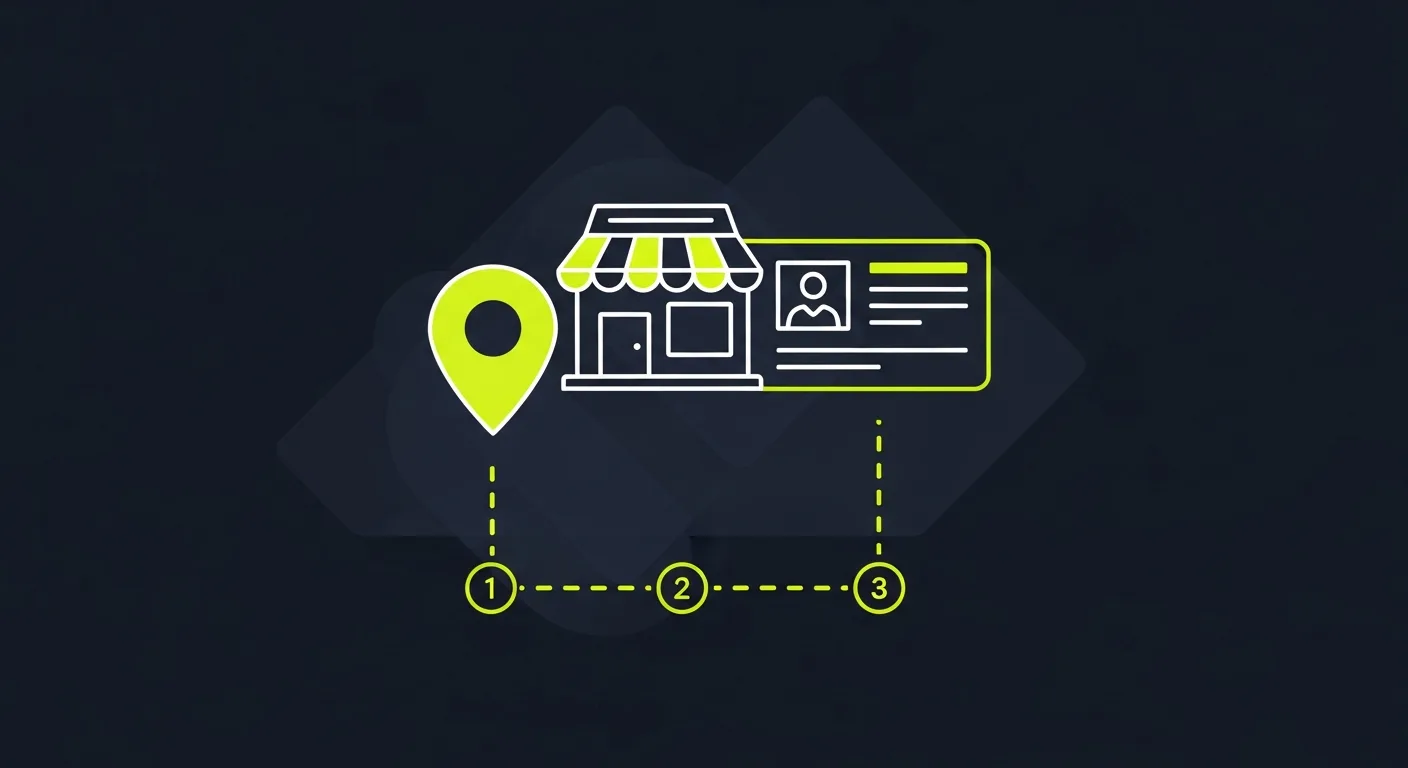
A Google Business Profile is free and directly affects whether customers find you in local search results. Businesses with complete profiles receive greatly more reach — including calls, website visits, and direction requests. If you haven't set one up yet, the process takes about 15 minutes.
Step-by-Step Setup
- Go to Google Business Profile
Visit business.google.com and sign in with the Google account you want associated with your business. If you don't have one, create a free Google account first.
- Enter Your Business Name
Search for your business. If it already exists on Google Maps (from user-generated data), claim it. If not, click "Add your business to Google" and enter the name exactly as customers know it.
- Choose Your Business Category
Select the primary category that best describes your business (e.g., "Italian Restaurant," "Plumber," "Dentist"). This determines which searches you appear in. You can add secondary categories later, but your primary category is the most important ranking factor.
- Add Your Location
If you have a physical storefront, enter your address. If you're a service-area business (you go to customers), check "I deliver goods and services to my customers" and specify your service area instead. You can hide your address while still appearing in local results.
- Add Contact Information
Enter your phone number and website URL. Use a local phone number rather than a toll-free number — Google favors local numbers for local search. Before saving, confirm the URL loads correctly: a 404 error on your GBP website field signals to Google that your listing directs visitors nowhere, which can quietly weaken your local search position.
- Verify Your Business
Google needs to confirm you actually own or manage this business. Check methods include: Postcard — Google mails a code to your business address (takes 5-14 days), Phone — automated call or text with a check code (available for some businesses), Email — check code sent to your business email, Video — record a video showing your business location and signage. Once verified, your profile goes live on Google Search and Maps.
Optimizing Your Profile
After setup, improve for maximum reach: Add business hours including special holiday hours, Upload photos — businesses with photos receive 42% more direction requests. Use high-quality images of your storefront, interior, products, and team. Google recommends images at least 720×720 pixels, Write a business description — 750 characters max, include your key services and what makes you different, Enable messaging — let customers message you directly from your profile, Add products or services — list what you offer with descriptions and prices.
Managing Reviews
Reviews are the most visible and influential part of your profile. Responding to every review — positive and negative — signals that you're an engaged, responsive business. For businesses managing reviews across Google plus other platforms like Yelp, Facebook, and Trustpilot, Praising.ai pulls Google and Trustpilot reviews into a central inbox with AI-powered response suggestions, and keeps profile links for Yelp, Facebook, and other platforms in the same dashboard.
Frequently Asked Questions
How long does Google Business Profile verification take?
Phone and email check are instant. Postcard check takes 5-14 days. Video check is typically reviewed within 48 hours. You can start editing your profile right away, but it won't appear in search until check is complete.
Can I have multiple Google Business Profiles?
Yes — one for each physical location. Each location needs its own profile and separate check. For multi-location businesses, Google offers bulk check for 10+ locations.
Is Google Business Profile really free?
Completely free. Google offers paid advertising options (Google Ads) that can appear alongside your profile, but the profile itself — including reviews, photos, posts, and messaging — costs nothing.
Ready to grow?
Turn happy customers into 5-star reviews
Praising.ai automates review requests for Google, Trustpilot and the other review sites you use. Businesses see an average 3x increase in reviews within 30 days.
Written by
· 64 articlesLeila Foster
AI & Digital Marketing Writer
Leila covers the intersection of AI and customer marketing—specifically how businesses use social proof, automated testimonials, and AI-generated responses to build trust and convert more visitors. She researches the tools and workflows behind modern reputation marketing so you don't have to.
View all articlesGet weekly review tips
Actionable strategies to grow reviews and revenue, straight to your inbox.
No spam. Unsubscribe anytime.
Get more 5-star reviews on autopilot
Praising.ai automates review requests for Google, Trustpilot and the other review sites you use — free to start, no credit card required.
Start FreeFree 14-day trial