How to Report Fake Reviews on Google Business Profile (2026 Guide)

TL;DR
Flag fake Google Business Profile reviews through your dashboard by clicking the three-dot menu next to the review and selecting Report. Google removes reviews that violate policies like competitor sabotage, review bombing, or spam, but not simply negative ones. Document profile red flags and content inconsistencies before reporting to strengthen your case.
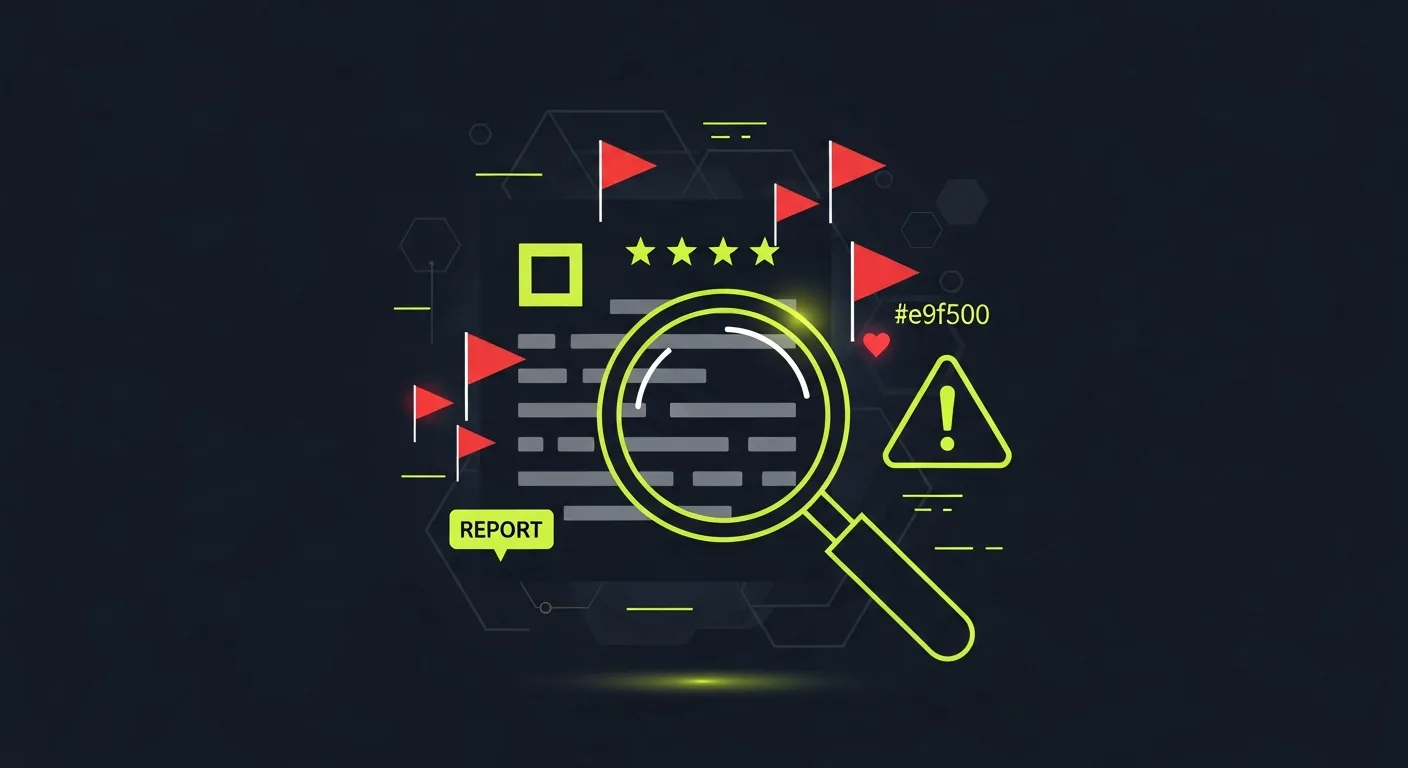
A fake review on your Google Business Profile is more than an annoyance — it directly affects how many customers walk through your door. Google reviews influence purchase decisions for roughly 93% of consumers, and a single malicious one-star review can suppress your visibility in local search.
In 2026, Google Business Profile (formerly Google My Business) has strengthened its fake review detection, but fraudulent reviews still get through. This guide covers exactly how to report them, what happens after you report, and what to do when Google doesn't act fast enough.
What Counts as a Fake Review on Google Business Profile
Before reporting, you need to identify whether the review actually violates Google's policies — not every negative review qualifies for removal.
Google's review policies prohibit:
- Reviews from non-customers — people who never visited or transacted with the business
- Paid or incentivized reviews — reviews exchanged for discounts, gifts, or payment
- Review bombing — coordinated negative reviews from multiple accounts targeting a business
- Competitor reviews — reviews left by business rivals or their associates
- Employee reviews — current or former employees reviewing their own workplace
- Duplicate or spam reviews — the same content posted across multiple accounts
- Off-topic reviews — reviews about a different location, unrelated experience, or general political grievances
- Hate speech or harassment — reviews containing threats, slurs, or targeted personal attacks
What Google does NOT remove: legitimate negative feedback, even if it's harsh or you believe it's unfair. A real customer who had a bad experience and left a one-star review won't be removed just because you disagree with it.
How to Spot a Fake Review
Knowing what to look for makes your report more effective because you can document specific evidence.
Profile signals
- Account created recently (check by clicking the reviewer's name)
- Only one or two total reviews on the account
- Reviews exclusively targeting one type of business (all rivals, all competitors)
- No profile photo, generic name, or location mismatch
- Multiple reviewers sharing identical writing style or phrasing
Content signals
- Copy-pasted text appearing across multiple reviews
- Factual errors about your business (wrong hours, services you don't offer, incorrect location)
- Overly vague language that doesn't describe a specific experience
- Review mentions a competing business by name
- Dates that don't match your operating history
Timing signals
- Multiple one-star reviews posted within hours of each other
- Review cluster appears immediately after a dispute with a known party
- Reviews posted outside normal hours across multiple accounts simultaneously
Step-by-Step: How to Report Fake Reviews on Google Business Profile
Method 1: Report from Your Business Profile Dashboard
This is the most direct route and gives your report the highest priority since it comes from the verified business owner.
- Go to business.google.com and sign in
- Select your business location
- Click "Reviews" in the left navigation menu
- Find the review you want to report
- Click the three-dot menu (⋮) to the right of the review
- Select "Report review"
- Choose the specific policy violation from the list:
Spam or fake content
Off topic
Conflict of interest
Profanity
Bullying or harassment
Hate speech
Personal information
- Add any additional context in the text field — be specific about why it violates policy
- Click Submit
You'll receive a confirmation email from Google. Keep this for your records.
Method 2: Report from Google Maps or Search
Any Google user can flag a review. This works when you're on mobile or don't have immediate access to your GBP dashboard.
- Find your business on Google Maps or Search
- Scroll to the review you want to report
- Click the three-dot menu next to the review
- Select "Report review"
- Choose the violation type and submit
Method 3: Escalate to Google Business Profile Support
If the standard flag doesn't result in removal within 10 business days, escalate to a human specialist.
- Go to support.google.com/business
- Click "Contact us"
- Select "Reviews and photos" then "Manage reviews"
- Choose your contact method — chat is typically fastest (available weekdays during business hours)
- Explain that you've already flagged the review, the date you flagged it, and why you believe it violates specific policies
- Reference your original flag confirmation number if you have it
- Provide any supporting evidence: screenshots, business records, timeline documentation
Human agents can escalate your case internally and often resolve it faster than a second automated flag.
Method 4: Legal Removal Request
For reviews containing defamation, false statements of fact, impersonation, or content violating your legal rights:
- Consult an attorney to confirm legal grounds
- Visit support.google.com/legal
- Navigate to the appropriate legal removal category
- Complete the form with specific legal grounds and supporting documentation
- Attach any court orders, legal notices, or declarations
Legal removal takes longer (weeks to months) but is available for serious violations that don't fall neatly into standard policy categories.
What Happens After You Report a Fake Review
This is where many business owners get frustrated — Google doesn't provide real-time status updates, and the process can feel like a black box.
Here's what actually happens:
Within minutes: Your report enters Google's automated review queue. Automated systems scan for clear violations — spam patterns, duplicate content, account age signals, obvious policy violations.
24-72 hours: Many clear violations are removed automatically without human intervention. If the review disappears during this window, the automated system caught it.
5-10 business days: If automated review didn't catch it, a human policy specialist reviews the case. They assess the content against Google's policies and the context you provided. This is where your specific, documented evidence makes a difference.
After 10+ days with no action: This typically means either the reviewer didn't violate policies in a way Google could verify, or your report needs more evidence. This is when escalating to Business Profile support becomes important.
What you won't receive: Google doesn't always notify you when they take action. Check your listing regularly. If the review is gone without an email, Google removed it quietly. If you receive an email saying they found no violation, the review stays — but you can request a second review with new evidence.
What to Do While Waiting for Google to Act
Don't let a fake review sit unanswered while you wait for Google's decision. A professional response demonstrates to other customers that you're engaged.
Write a short, factual response. Don't accuse the reviewer of being fake (even if you're certain they are). Instead, address it factually: "We've searched our records and are unable to find any transaction matching this review. If you've had an experience with us, please contact [email] so we can look into this directly."
This response does three things: signals to real customers that you monitor feedback, creates a paper trail showing you take concerns seriously, and invites the person to provide verifiable details — something a fake reviewer typically won't do.
Focus on generating authentic reviews. The most effective long-term defense against fake reviews is a high volume of genuine ones. When your profile has 200 real reviews, a single fake one-star carries far less weight than when you have 15. Using reputation management tools to systematically ask satisfied customers for reviews is the fastest way to dilute the impact of fraudulent content.
Document everything. Screenshot the review, the reviewer's profile, any accounts you suspect are connected, and the timing of the review relative to events (a dispute, a competitor's launch, etc.). This documentation supports escalation if the initial report fails.
Why Google Doesn't Always Remove Obvious Fake Reviews
Google's review moderation system is imperfect, and understanding why helps you submit more effective reports.
The reviewer's intent isn't always verifiable. Unless the review contains a clear policy violation (spam markers, explicit conflict of interest, prohibited content), Google errs toward leaving reviews up. A vague one-star review with no text is hard to definitively call fake.
Volume creates delays. Google processes millions of review reports. Cases without strong evidence get lower priority in the queue.
Account age and history matter more than content alone. A one-star review from an account with no other reviews might be fake — but it might be a real customer who only ever reviewed one business. Without corroborating signals, Google can't act on suspicion alone.
What moves the needle: Specific policy citations (not just "this is fake"), documented evidence of policy violations, multiple corroborating signals pointing to the same conclusion, and escalation to a human support agent when automated review fails.
Protecting Your Profile Long-Term
Reporting individual fake reviews is reactive. A stronger approach builds your profile's resilience before attacks happen.
- Claim and verify your GBP listing so you control the primary reporting channel
- Enable review alerts in your Business Profile settings so you're notified immediately of new reviews
- Respond to all reviews (positive and negative) — profiles with active owner engagement tend to be treated more seriously by Google's systems
- Build a review collection process that generates genuine reviews consistently — automated review request tools make this manageable without being spammy
- Monitor monthly for unusual review spikes that might indicate a coordinated attack
--- Fake reviews are a frustrating reality of operating any business with a Google presence. The reporting process has improved significantly in 2026, but it still requires patience, documentation, and sometimes direct support escalation. A combination of proactive review generation and prompt, well-documented reporting gives you the best chance of maintaining an accurate, trustworthy Business Profile.
If you're managing reputation across multiple locations or dealing with ongoing fake review attacks, Praising.ai's reputation management tools can help you monitor, respond, and build authentic review volume at scale.
Frequently asked questions
What actually happens when you report a fake review on Google Business Profile?
Google's automated systems flag the review for evaluation first. If the automated filter catches a clear violation (spam, hate speech, off-topic content), the review can be removed within 24-72 hours. If it requires human review, a Google policy specialist assesses the evidence — this typically takes 5-10 business days. You'll receive an email notification if Google takes action, though they don't always explain why a decision was made. If no action is taken, you can escalate through the Business Profile support channel.
Can I report a fake review if I don't own the Google Business Profile?
Yes. Any Google user can flag a review directly from Google Maps or Google Search. Click the three-dot menu next to the review and select 'Report review.' However, as the business owner with a verified GBP account, your reports carry more weight and you have access to additional escalation channels, including direct support from Google Business Profile specialists.
How long does Google take to remove a fake review in 2026?
Most automated removals happen within 24-72 hours. Human-reviewed cases take 5-15 business days. Legal removal requests (defamation, court orders) can take several weeks. If you haven't seen action after 10 business days, escalate through the Business Profile support chat — this often triggers a manual re-review faster than a second flag submission.
What's the difference between 'flag as inappropriate' and the Business Profile support process?
'Flag as inappropriate' submits your report to Google's automated review queue — fast but lower priority. The Business Profile support process connects you with a human specialist who can escalate internally. For coordinated attacks or reviews with clear legal violations, going directly to support is more effective than the flag button alone.
Will reporting a fake review notify the reviewer?
No. Google does not notify the person who left a review that they've been reported. If Google removes the review, the reviewer may notice it's gone from their contribution history, but they receive no direct alert from your report. This means there's no risk of escalation or retaliation from the reporting process itself.
What if Google refuses to remove a fake review?
First, resubmit with stronger evidence — screenshots of profile inconsistencies, timing patterns, or content that proves the reviewer was never a customer. Second, respond to the review professionally to give other customers context. Third, contact Google Business Profile support directly and ask for a second human review. Fourth, for defamatory content, consult an attorney about a legal removal request. Simultaneously, focus on generating authentic reviews through legitimate outreach so the fake review loses prominence.
Ready to grow?
Turn happy customers into 5-star reviews
Praising.ai automates review collection across Google, Trustpilot, Yelp, and 20+ platforms. Businesses see an average 3x increase in reviews within 30 days.
Written by
· 106 articlesMarcus Webb
Reputation Management Specialist
Marcus has spent over a decade helping small and medium businesses understand online reviews and local search. He writes about Google Business Profile, review automation, and the mechanics of reputation management—always from the angle of what actually moves the needle for independent businesses.
View all articlesGet weekly review tips
Actionable strategies to grow reviews and revenue, straight to your inbox.
No spam. Unsubscribe anytime.
Get more 5-star reviews on autopilot
Praising.ai automates review collection across Google, Trustpilot, and 20+ platforms — no credit card required.
Start FreeFree 14-day trial