Website Credibility Check: 5 Steps to Verify Any Site (2026)

TL;DR
A website credibility check is a five-step process — malware scan, domain age, SSL verification, independent reviews, and business identity — that takes under five minutes using free tools. Fail two or more steps and the site is high-risk. Use Google Safe Browsing, WHOIS, Scamadviser, and Trustpilot; no account required for any of them.
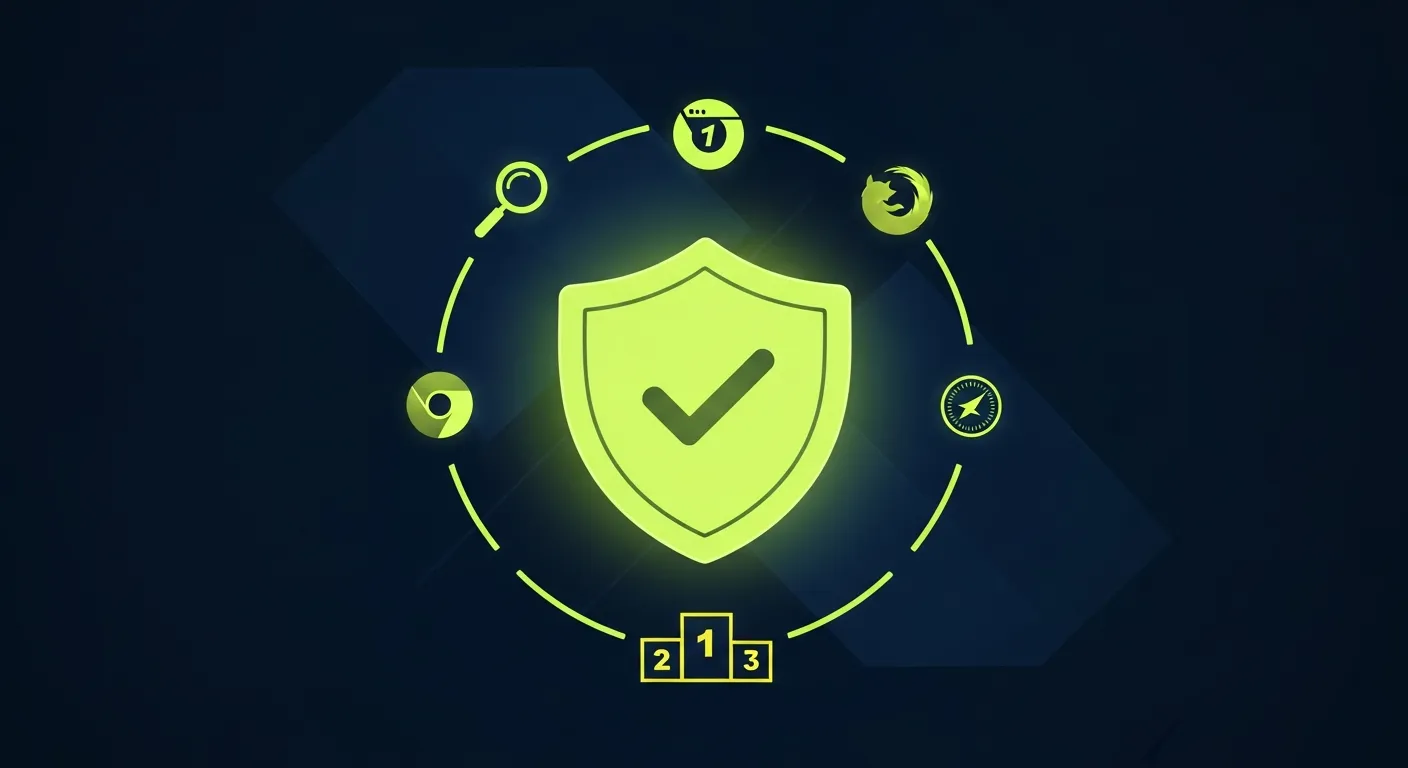
A website credibility check is a short, structured process you run before you hand over a payment, create an account, or share personal information with a site you have not used before. It covers five signals — malware scan, domain age, SSL certificate, independent customer reviews, and verifiable business identity — and takes under five minutes from start to finish using free tools that require no login.
This guide walks through every step in plain language, tells you exactly what a pass and fail look like for each one, and explains what to do when a site fails.
Quick answer: Paste the site URL into Google Safe Browsing, check domain age on who.is, confirm the padlock shows a valid HTTPS certificate, search for the business name on Google and Trustpilot, and verify a real address on Google Maps. Two or more failures = high risk. Do not proceed.
Why bother with a website credibility check?
Scam sites looked obviously suspicious five years ago — broken English, pixelated logos, checkout pages that timed out. In 2026 that is no longer true. AI tools generate convincing product descriptions, professional photos, and customer testimonials at near-zero cost. A fraudulent storefront can look indistinguishable from a legitimate business until a package never arrives or a charge appears on your card statement.
A website credibility check does not rely on visual impression. It tests objective signals — domain history, security infrastructure, third-party verification — that are much harder to fake than a polished homepage.
For businesses, a credibility check also matters the other way around: understanding how customers evaluate your site helps you make sure you pass. A missing HTTPS certificate or a thin Google profile will cause a careful shopper to leave without buying, even if your business is completely legitimate. Use a site credibility checker to check HTTPS, contact links, and other signals on the page. Tools like Praising.ai help businesses build the review presence that a credibility check looks for.
Step 1 — Run a malware and phishing scan (2 minutes)
The first step is to confirm the URL has not been flagged for malware, phishing, or unwanted software by the major threat databases.
Tool: Google Safe Browsing
Go to transparencyreport.google.com/safe-browsing/search and paste the URL. Google's database covers billions of URLs and updates every 30 minutes. A clean result shows a green checkmark and the message "No unsafe content found."
Tool: VirusTotal
For a second opinion, paste the same URL into virustotal.com. VirusTotal checks against 90+ security vendors simultaneously and shows individual detections. A clean site will show 0 detections out of 90+. One or two detections from obscure vendors can be false positives; five or more detections from major vendors (Kaspersky, Bitdefender, ESET) indicate a real threat.
What a fail looks like: Any detection on Google Safe Browsing is a definitive fail. Five or more detections on VirusTotal is a fail. Stop here and do not visit the site.
Step 2 — Check domain age and registration history (1 minute)
Fraudulent sites are almost always newly registered. A business that has been operating for years has a domain registered years ago. A scam storefront set up for one campaign will typically have a domain registered within the past six months.
Tool: WHOIS lookup
Go to who.is and enter the domain name (without https://). Look for the "Registration Date" or "Created" field in the results. A domain registered in the past 12 months should be treated with caution; in the past 90 days it is a strong red flag.
Also check the "Registrant" and "Registrar" fields. Legitimate businesses usually have a named registrant organisation or at minimum a consistent registrar. Privacy-shielded registrations (showing a proxy service instead of the actual owner) are common on both legitimate and fraudulent sites, so privacy shielding alone is not a fail signal — but combined with a very new registration date, it increases risk.
What a fail looks like: Domain registered within 90 days with no clear business identity elsewhere. Treat 90–365 days as a caution signal requiring the other steps to pass cleanly.
Step 3 — Verify the SSL certificate (30 seconds)
HTTPS encryption protects the data you send to a site — including payment details and login credentials. Every site that collects any form of personal data must use HTTPS. An HTTP-only site (no padlock, or a browser warning) is an automatic fail for any transaction.
How to check: Look at the browser address bar. A valid HTTPS site shows a padlock icon. Click the padlock and select "Connection is secure" or "Certificate is valid" to confirm:
- The certificate covers the correct domain (watch for certificates issued to a similar-looking domain, e.g. paypa1.com instead of paypal.com)
- The certificate has not expired
- The issuer is a recognised certificate authority (Let's Encrypt, DigiCert, Sectigo, GlobalSign)
What a fail looks like: No padlock (HTTP only), a browser security warning, a certificate issued to a different domain, or an expired certificate. Any of these is a fail.
Important: HTTPS alone does not mean a site is safe. It means your connection to the site is encrypted. A scam site can have a valid SSL certificate — most do. HTTPS is a necessary condition, not a sufficient one.
Step 4 — Check independent customer reviews (1 minute)
Customer reviews on third-party platforms are the hardest signal to fake at scale. A genuine business accumulates real reviews over time; a fraudulent site set up recently will have none, or only reviews on platforms it controls directly.
Where to look:
Google — Search for the business name plus "reviews" or the city. Look at the Google Business Profile if one appears. Check: number of reviews (10+ is a positive signal), recency (reviews spread over months and years, not all posted in the same week), and whether the business has responded to reviews — owner responses signal an active business.
Trustpilot — Go to trustpilot.com and search for the domain or company name. Trustpilot is difficult to manipulate because it verifies reviewers. A claimed profile with verified purchase reviews is a strong positive signal.
Scamadviser — scamadviser.com aggregates signals from dozens of sources and produces a trust score out of 100. Scores above 80 are generally safe; scores below 40 indicate significant risk. Scamadviser also surfaces red flags that individual checks might miss, such as server location mismatches and domain registration anomalies.
What a fail looks like: No reviews anywhere, or reviews only on the site itself with no third-party presence. A Scamadviser score below 40. A pattern of reviews all posted on the same day or week. Any business claiming years of operation with no review history.
For businesses: Your review profile is exactly what careful customers are checking. Businesses with fewer than 10 Google reviews or no Trustpilot presence look unverifiable even when they are fully legitimate. Platforms like Praising.ai automate the review collection process so your profile stays current and your credibility check result stays green.
Step 5 — Verify the business identity (1 minute)
The final step is to confirm that the business named on the website corresponds to a real, locatable entity.
How to check:
Find the physical address listed on the site's contact page, footer, or About page. If no address is listed, that is itself a red flag.
Search the address on Google Maps. A legitimate business will typically appear in Street View or satellite view as a real premises — an office, a retail location, a warehouse. If the address resolves to a residential street, an empty lot, or a virtual office provider, investigate further.
Search the company name in the relevant business registry. For US companies: state secretary-of-state websites (free). For UK companies: Companies House (free). For other countries, search "[country] company registry check."
Check whether the contact email uses the company's own domain (e.g. support@example.com) rather than a free service like Gmail or Outlook. A legitimate business communicates from its own domain.
What a fail looks like: No physical address listed, an address that cannot be verified on Maps, no registry entry for a company claiming years of operation, or contact details that use free email services only.
Website credibility check scorecard
Use this reference table after completing all five steps:
| Step | Check | Pass | Fail |
|---|---|---|---|
| 1 | Malware scan | No flags on Safe Browsing or VirusTotal | Any Safe Browsing flag; 5+ VirusTotal detections |
| 2 | Domain age | Registered 12+ months ago | Registered within 90 days |
| 3 | SSL certificate | Valid HTTPS, correct domain, not expired | HTTP only; expired; mismatched domain |
| 4 | Customer reviews | 10+ reviews on Google or Trustpilot; Scamadviser 80+ | No third-party reviews; Scamadviser <40 |
| 5 | Business identity | Verifiable address + registry entry | No address; unverifiable address; free email only |
Scoring: 0–1 fails = low risk. 2 fails = moderate risk — proceed with caution and use a credit card (chargeback protection). 3+ fails = high risk — do not proceed.
What to do if a site fails the credibility check
If a site fails two or more steps, the safest action is to stop and not engage with it. If you need the product or service, find an alternative supplier that passes the credibility check.
If you have already made a payment to a site that subsequently fails a credibility check:
- Contact your card issuer immediately to initiate a chargeback (credit cards offer stronger chargeback rights than debit cards)
- Report the URL to Google Safe Browsing at safebrowsing.google.com/safebrowsing/report_phish to protect other users
- File a report with the FTC (US) at reportfraud.ftc.gov or your country's consumer protection agency
For businesses: how to pass a credibility check
If you run a legitimate business, the five-step check is also a diagnostic for gaps in your online presence that cost you customers who are doing their due diligence.
The two most common failure points for real businesses are:
Thin or absent review profiles. A business with zero reviews on Google or Trustpilot looks unverifiable, even if it has been trading for years. The fix is a systematic approach to asking every customer for a review at the right moment — right after a service is delivered, after a repeat purchase, or after a support case is closed. See our guide to review request best practices for a process that works without feeling pushy.
Unclaimed or incomplete Google Business Profile. An unclaimed profile, or one missing a category, hours, and photos, sends a credibility signal that is easy to fix. Claim and complete your profile at business.google.com, add a category that matches your actual business, and upload at least three current photos.
For a full picture of how customers evaluate your online presence — and the tools to improve it — Praising.ai covers review management, reputation monitoring, and business profile optimisation in one platform.
Checking an Article Rather Than a Seller?
A malware scan checks website safety, not whether an article is accurate. Use our source credibility checker online guide for research and news: trace original evidence, check authorship and dates, and compare independent coverage.
Related reading
- Site Credibility Checker — Free Tool — check 11 on-page signals and get a 0–100 score without signing up
- Credibility Check: 7 Free Tools to Verify Any Website — a deeper look at the specific tools used in each step above
- Automated Review Request Best Practices — how to build the review profile that a credibility check looks for
Frequently asked questions
How long does a website credibility check take?
A complete five-step website credibility check takes between three and seven minutes. The malware scan (Step 1) and SSL check (Step 3) take under 90 seconds combined. The domain age lookup (Step 2) adds another 60 seconds. Reviewing customer feedback (Step 4) and verifying business identity (Step 5) are the most variable — a business with an established review profile and a clear address listing takes one to two minutes; one with a sparse or absent presence requires more digging. If you complete all five steps in under three minutes and everything passes cleanly, the site is very likely safe to use.
Can I run a website credibility check on my phone?
Yes. Google Safe Browsing, VirusTotal, Scamadviser, and WHOIS lookup all work in a mobile browser without installing anything. On a smartphone, paste the URL from your clipboard into each tool's search field. The manual identity checks — searching Google Maps, looking up a company registry — are equally usable on mobile. The complete process takes the same three to seven minutes on a phone as on a desktop.
What if the site has reviews but they all look fake?
Fake reviews are a real problem, but certain patterns make them identifiable. Treat a review profile as suspicious when: all reviews were posted within a short window (same week or month), reviewer accounts have no other activity or only one review each, the review text is generic and does not mention specific products or experiences, or the review dates do not match the company's claimed founding date. Trustpilot's verification system makes fake reviews harder than on platforms without purchase verification. If you suspect fake reviews, Scamadviser's composite score accounts for this — a site with inflated review counts but other risk signals will typically still score below 70.
Is HTTPS enough to prove a site is safe?
No. HTTPS proves that the connection between your browser and the server is encrypted, preventing a third party from intercepting your data in transit. It does not prove anything about who operates the server or whether the business is legitimate. Scam sites routinely obtain free SSL certificates from Let's Encrypt because it is an automated process that takes seconds. HTTPS is Step 3 in the credibility check precisely because it is a necessary but insufficient signal — it must be combined with the other four steps.
Should I use a different process to check credibility of a website for research purposes?
If you are evaluating a website as an information source — for a school assignment, a news article, or professional research — rather than as a vendor, the process is similar but places more weight on authorship and editorial standards. Check whether named authors have verifiable credentials, whether the site cites primary sources, when the content was last updated, and whether the organisation behind the site is transparent about its funding. For vendor credibility, the five-step payment-safety process above is the appropriate framework.
Ready to grow?
Turn happy customers into 5-star reviews
Praising.ai automates review requests for Google, Trustpilot and the other review sites you use. Businesses see an average 3x increase in reviews within 30 days.
Get weekly review tips
Actionable strategies to grow reviews and revenue, straight to your inbox.
No spam. Unsubscribe anytime.
Get more 5-star reviews on autopilot
Praising.ai automates review requests for Google, Trustpilot and the other review sites you use — free to start, no credit card required.
Start FreeFree 14-day trial