Customer Review Software Comparison: Top 10 Platforms 2026

TL;DR
The top customer review software platforms for 2026 each serve different business needs: BirdEye suits multi-location enterprises, Podium excels for local businesses prioritizing SMS requests, and Trustpilot dominates for e-commerce SEO. Match your choice to your size, budget, and whether you need broad site coverage or deep integrations with specific platforms.
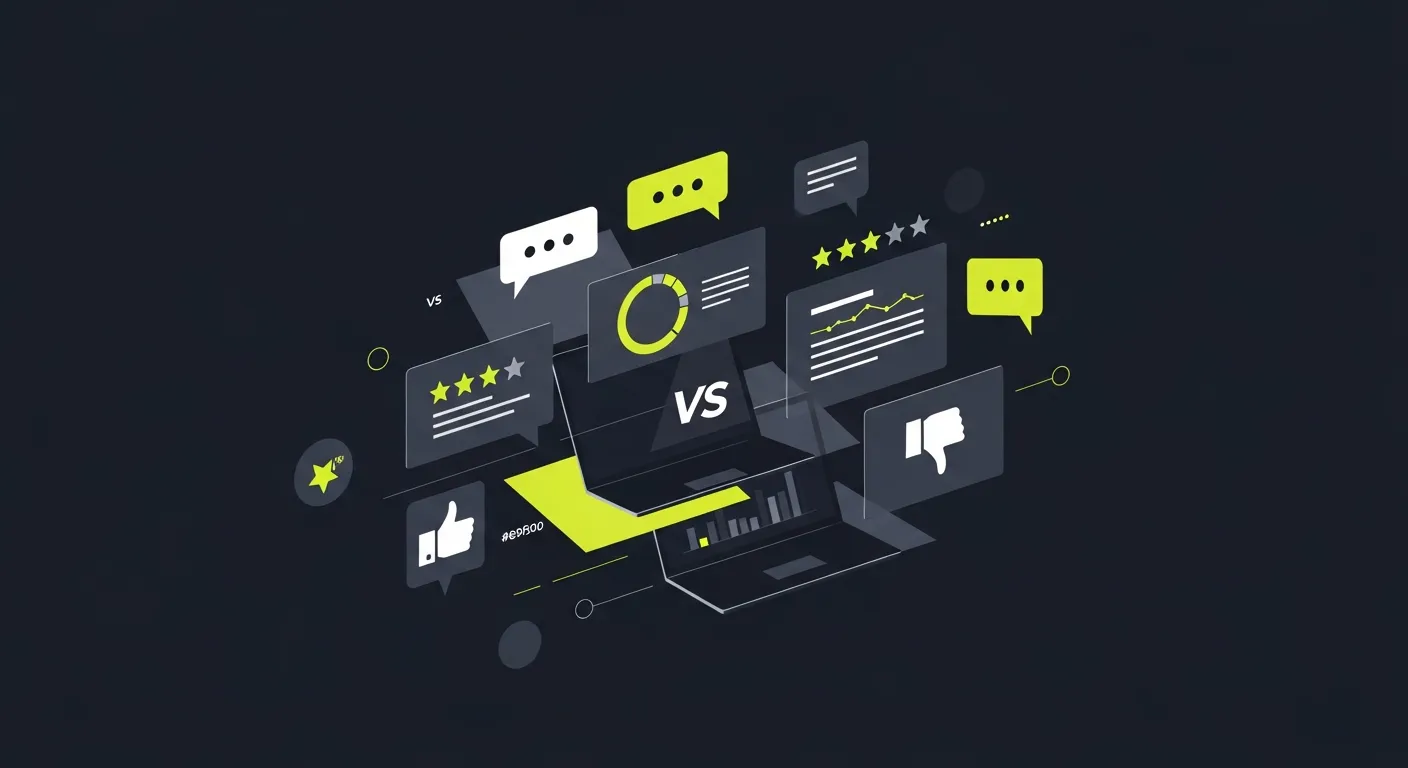
Picking the right review software can make or break how you handle your online rep. With dozens of tools out there all claiming to be the best, it's hard to know where to start.
This guide looks at 10 top review software options in 2026. We'll cover features, pricing, pros, and cons so you can pick the right one for your needs.
What is Customer Review Software?
Review software helps you collect, manage, and reply to online reviews from places like Google, Yelp, and Facebook — all in one spot. Most tools give you:
- Auto review request campaigns (email and text)
- Review tracking across many sites
- AI-written reply drafts
- Reports and dashboards
- Workflows for handling your online rep
The right tool saves you hours each week and helps you build better ties with your customers.
Key Features to Look For
Before we dig into each platform, here's what to look for:
Review Collection
- Auto email and SMS campaigns
- QR codes and review links
- Connects with your current tools
- Custom invite templates
Multi-Site Management
- Google Business Profile sync
- Facebook, Yelp, and niche sites
- One dashboard for everything
- Real-time alerts
Reply Management
- AI reply drafts
- Saved templates
- Team tools
- Brand voice settings
Reports and Insights
- Review count tracking
- Tone and mood scoring
- See how rivals stack up
- ROI tracking tools
Top 10 Customer Review Software Platforms
- BirdEye
Best for: Large companies and multi-site chains
Key Features:
- Review tracking across 100+ sites
- AI-driven insights and tone scoring
- Built-in webchat and texting
- Strong reports and data tools
Pricing: Custom pricing from about 99/month
Pros:
- Covers tons of review sites
- Great for big teams
- Solid support
- Good auto tools
Cons:
- Pricey for small shops
- Steep learning curve
- Few custom options
If you're looking at other choices, our BirdEye comparison guide covers cheaper tools that do similar things.
- Podium
Best for: Local shops that want texting + reviews
Key Features:
- Text-based review requests
- Website chat widget
- Payment tools built in
- Simple review dashboard
Pricing: Plans start at 89/month
Pros:
- Easy to use
- Great texting tools
- Good for local shops
- Takes payments too
Cons:
- Covers fewer review sites
- Gets pricey for all features
- Basic reports vs. rivals
Many small shops find Podium alternatives give them similar core features for less money.
- Trustpilot
Best for: Online stores and B2B companies
Key Features:
- Big consumer review site
- Trust badges and widgets
- In-depth reports and data
- API for custom setups
Pricing: Free plan; paid plans from 99/month
Pros:
- Huge consumer reach
- Strong SEO boost
- Full reports
- Flexible setup options
Cons:
- Mostly just Trustpilot reviews
- Weak Google review tools
- Can get costly
Shops that need broader reach often check out Trustpilot alternatives for wider options.
- Reputation.com
Best for: Healthcare and auto dealers
Key Features:
- Tools built for specific fields
- Social media tracking
- Rival intel
- Full report suite
Pricing: Custom pricing, usually 00+/month
Pros:
- Deep field expertise
- Tracks everything
- Strong for big teams
- Great success support
Cons:
- Very pricey
- Too much for small shops
- Long contracts
- Praising.ai
Best for: Small to mid-size shops wanting AI-powered speed
Key Features:
- AI-powered review management with smart reply drafts
- Auto review request campaigns
- Multi-site tracking and control
- Clean, simple dashboard
Pricing: Flexible plans at fair rates with free trial
Pros:
- Easy to use
- Strong AI tools
- Great value
- Quick to set up
Cons:
- Newer platform, still adding features
- Fewer big-team tools than older rivals
- Grade.us
Best for: Agencies handling many clients
Key Features:
- White-label options
- Client control panel
- Auto workflows
- Custom branding
Pricing: Plans start around 9/month
Pros:
- Built for agencies
- Fair pricing
- Good auto tools
- White-label ready
Cons:
- Fewer site links
- Basic reports
- Smaller dev team
Agencies often compare Grade.us with other platforms to find the best fit for their client work.
- ReviewTrackers
Best for: Mid-size firms with many sites
Key Features:
- Multi-site control
- Rival benchmarks
- Custom report tools
- Team features
Pricing: Custom pricing from about 49/month
Pros:
- Strong multi-site tools
- Good rival insights
- Flexible reports
- Fair pricing
Cons:
- Limited auto features
- Looks a bit dated
- Support can be hit-or-miss
- NiceJob
Best for: Service firms and contractors
Key Features:
- Visual content tools
- Before/after photo campaigns
- Social media links
- Simple review asks
Pricing: Plans start at 5/month
Pros:
- Great for visual work
- Low price
- Easy social sharing
- Good support
Cons:
- Fewer power features
- Basic reports
- Covers fewer sites
- Broadly
Best for: Local service firms
Key Features:
- Text message outreach
- Review request campaigns
- Customer comms tools
- Local SEO features
Pricing: Plans start around 99/month
Pros:
- Strong local focus
- Built-in outreach tools
- Good auto features
- Quick support
Cons:
- Hard to scale
- Pricey for what you get
- Narrow focus
- CustomerLobby
Best for: Small shops on a tight budget
Key Features:
- Basic review asks
- Simple dashboard
- Email auto-sends
- Low price
Pricing: Plans start at 9/month
Pros:
- Cheap
- Easy to use
- Fast setup
- No long contracts
Cons:
- Few features
- Basic reports
- Covers few sites
Platform Comparison Table
| Platform | Best For | Starting Price | Key Strength | Main Weakness |
|---|---|---|---|---|
| BirdEye | Enterprise | 99/month | Full feature set | High cost |
| Podium | Local business | 89/month | Texting tools | Limited sites |
| Trustpilot | E-commerce | 99/month | Consumer reach | Platform focus |
| Reputation.com | Healthcare/Auto | 00+/month | Field expertise | Very pricey |
| Praising.ai | SMB | Fair rates | AI-powered speed | Newer platform |
| Grade.us | Agencies | 9/month | White-label | Limited links |
| ReviewTrackers | Multi-site | 49/month | Site control | Dated look |
| NiceJob | Visual services | 5/month | Photo content | Basic features |
| Broadly | Local services | 99/month | Outreach tools | Hard to scale |
| CustomerLobby | Budget-minded | 9/month | Low cost | Minimal features |
How to Choose the Right Platform
Start with your budget. Figure out what you can spend each month. Don't forget setup costs, time to learn the tool, and any contract locks.
Think about your size. A single pizza shop has different needs than a 50-site dental group. Match the tool to what you actually need.
Check your tech comfort. Some tools take a lot of work to set up. Others work right out of the box. Know what your team can handle.
Look at what you already use. Does the tool sync with your CRM, POS, or site? A tool that plugs right in saves time and cuts mistakes.
Try before you buy. Most good tools offer free trials or demos. Use them. Click around. See if it fits.
Industry Tips
Healthcare You need HIPAA-safe tools with strong privacy. Reputation.com and BirdEye work well, though small clinics might prefer cheaper dental-focused solutions.
Restaurants Pick tools that link well with Google and Yelp. Photo features help show off food and decor. Check out restaurant-specific needs when you're looking around.
Professional Services Find tools that help build trust. LinkedIn links and pro network features add value here.
Retail and E-commerce Look for tools with strong product review features and shopping cart links. Trustpilot and similar niche tools tend to work well.
Setup Best Practices
Once you've picked a tool, here's how to get going:
Week 1-2: Get Set Up
- Link all your review sites
- Import your customer data
- Set up auto workflows
- Give your team access
Week 3-4: Train Your Team
- Show staff the new process
- Write reply templates
- Set up rules for tough cases
- Run test runs
Month 2: Fine-Tune
- Check early results
- Tweak auto settings
- Improve reply templates
- Grow what's working
Ongoing: Keep Improving
- Regular check-ins on results
- Team feedback rounds
- Learn new features
- Watch what rivals do
ROI Tracking
Track these numbers to see if your tool pays off:
Volume Numbers
- Total reviews gained
- Reviews per month
- Reply rate gains
- Sites covered
Quality Numbers
- Star rating trends
- Tone score changes
- Reply speed gains
- Happy customer scores
Business Impact
- Site traffic from reviews
- More sales from reviews
- Customer lifetime value shifts
- Revenue tied to reviews
Most shops see a clear payoff within 3-6 months of using pro review tools.
What's Coming Next in Review Software
Here's what's changing in 2026:
Smarter AI AI now helps with tone scoring, reply writing, and spotting trends before you do. Tools that invest in AI will pull ahead.
Video Reviews Video is growing fast. Tools that let you collect and show video reviews will stand out.
Privacy Rules Stricter data laws (GDPR, CCPA) mean tools need strong privacy features built in.
Mobile-First Most people leave reviews on their phones. Tools built for mobile will win.
Better Connections Shops want their review tool to talk to their CRM, POS, and website without fuss. Tools with good APIs and plug-ins will get picked first.
For a full side-by-side breakdown of features, pricing, and use cases, see our Best Review Management Software 2026 Buyer's Guide. If you run a small business, also read our guide to the best customer review software for small businesses.
Frequently Asked Questions
What's the difference between free and paid review software?
Free tools give you basic review tracking and limited reply features. Paid tools add auto campaigns, multi-site control, better reports, and real support. Most shops outgrow free tools once they start getting more reviews.
How long does it take to see results from review software?
Most shops notice a change within 30-60 days. You'll likely see more reviews in the first month. Star rating gains take 2-3 months as good reviews pile up.
Can review software help with negative reviews?
Yes, but no tool can delete real bad reviews. Good tools help you reply fast, fix issues, and get more good reviews to push bad ones down. Some have alert systems for serious rep threats.
Do I need different software for different review platforms?
No. Good review software handles many sites from one dashboard. This saves time and keeps your replies on-brand across all sites.
How much should I budget for review software?
Small shops usually spend 0-300 per month. Bigger firms spend 00-1000+. Think of it as 5-15% of your marketing budget if online rep matters to your bottom line.
What happens if I want to switch platforms later?
Most tools let you export your data, though formats differ. Your review history and reports usually carry over, but auto setups need to be rebuilt. Pick tools with good export options and skip long contracts if you can.
Ready to grow?
Turn happy customers into 5-star reviews
Praising.ai automates review requests for Google, Trustpilot and the other review sites you use. Businesses see an average 3x increase in reviews within 30 days.
Written by
· 106 articlesMarcus Webb
Reputation Management Specialist
Marcus has spent over a decade helping small and medium businesses understand online reviews and local search. He writes about Google Business Profile, review automation, and the mechanics of reputation management—always from the angle of what actually moves the needle for independent businesses.
View all articlesGet weekly review tips
Actionable strategies to grow reviews and revenue, straight to your inbox.
No spam. Unsubscribe anytime.
Get more 5-star reviews on autopilot
Praising.ai automates review requests for Google, Trustpilot and the other review sites you use — free to start, no credit card required.
Start FreeFree 14-day trial