Can You Delete a Google Review You Wrote? Complete Guide

TL;DR
Yes, you can delete a Google review you wrote by signing into the account you used, finding the review in your contributions or on the business listing, and selecting Delete from the three-dot menu. Deletion takes minutes to 24 hours. You cannot remove reviews posted anonymously or while logged out — contact Google support instead.
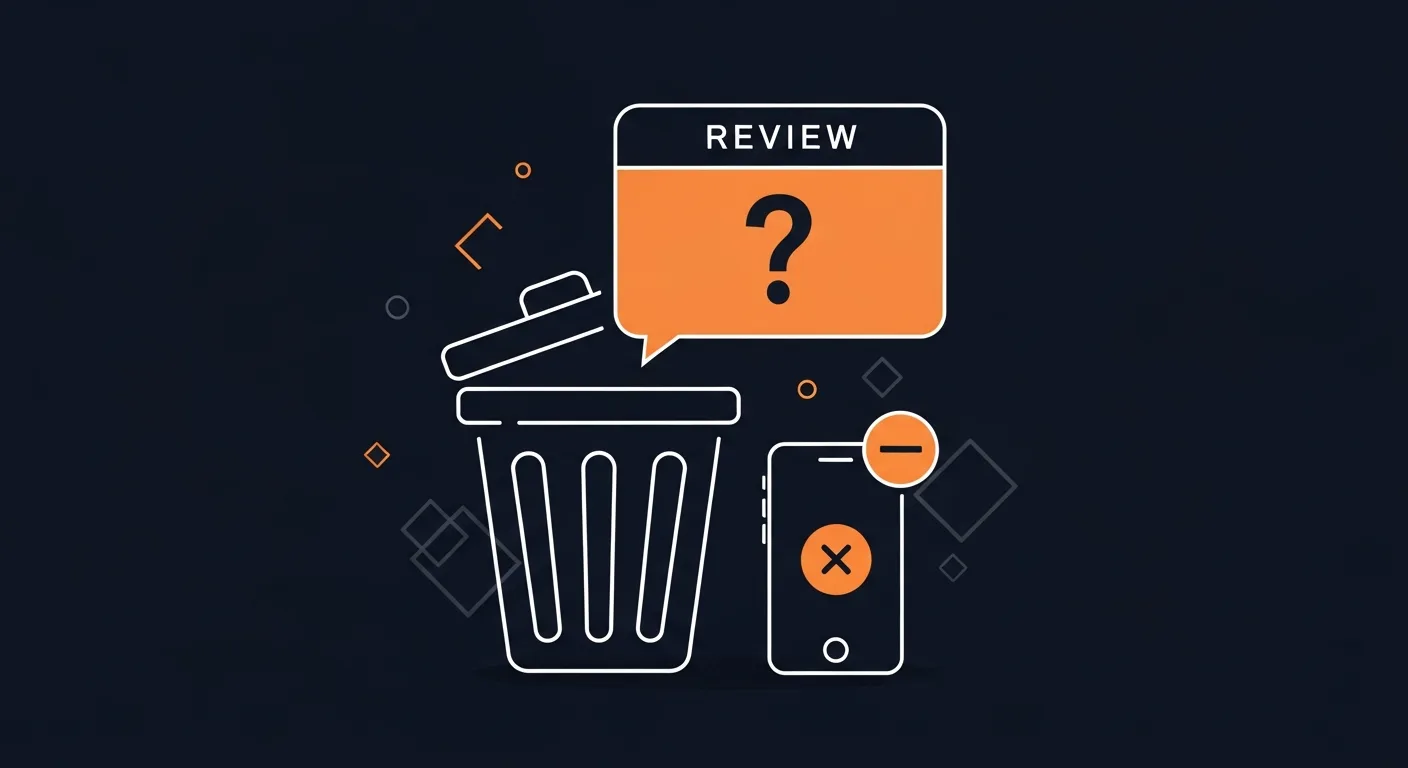
You posted a Google review last year. Now you want it gone. Maybe your opinion changed. Maybe you made an error. Or maybe you're just having second thoughts. The short answer: Yes, you can delete most Google reviews you wrote. But there are important rules and limitations you need to know.
Understanding Google Review Deletion Basics
Google allows users to delete their own reviews in most cases. This makes sense — you wrote it, you should control it. But Google has specific policies about when and how this works. What you can delete: Reviews you posted while signed into your Google account, reviews that haven't violated Google's policies in certain ways, reviews on active business listings, and reviews you posted recently or years ago. What you typically cannot delete: Reviews posted anonymously or without being signed in, reviews that are part of ongoing policy investigations, and reviews on permanently closed business listings (sometimes). The deletion process works through your Google account history. Google tracks every review you've ever posted, making them manageable through your profile.
Step-by-Step: How to Delete Your Google Review
Method 1: Delete from Your Google Profile
- Sign into your Google account that you used to post the review 2. Go to your Google profile by clicking your profile picture in the top right 3. Click "Contributions" tab in your profile menu 4. Select "Reviews" from the options 5. Find the review you want to delete 6. Click the three dots (⋮) next to your review 7. Select "Delete review" from the dropdown 8. Confirm deletion when prompted. The review typically disappears within a few minutes, though it can take up to 24 hours to fully process.
Method 2: Delete from Google Maps
- Open Google Maps on your computer or phone 2. Search for the business you reviewed 3. Click on the business listing 4. Scroll down to reviews section 5. Find your review (it should show "Your review" label) 6. Click the three dots next to your review 7. Select "Delete review" 8. Confirm the deletion
Method 3: Delete from the Business Listing
- Search for the business on Google 2. Look for your review in the reviews section of the knowledge panel 3. Click the three dots on your review 4. Choose "Delete review" 5. Confirm when prompted
When You Cannot Delete Your Review
Several situations prevent review deletion. Account Issues: If you can't remember which Google account you used, check all your Google accounts since reviews are tied to specific accounts. If you posted without signing in, anonymous reviews cannot be deleted by users and you must contact Google support. Technical Restrictions: If the business listing no longer exists, permanently closed businesses sometimes lock their reviews, though you should try the deletion process anyway as it works about 60% of the time. If the review is under investigation, wait for Google's review process to complete, which usually takes 2-7 business days. Policy Violations: Google rarely prevents deletion for policy reasons, but reviews that triggered major investigations or legal issues might be locked.
What Happens After You Delete a Review
Immediate effects: Review disappears from public view, business's average rating recalculates on its own, and review count decreases by one. Permanent changes: You cannot undelete the review, all previous likes/helpful votes are lost, and the business owner loses access to respond (if they hadn't already). Business impact: Deleting a 1-star review helps the business right away, while deleting a 5-star review hurts their average. Most businesses track these changes closely using review management tools to track their reputation and understand how review changes affect their online presence.
Editing vs. Deleting: Which Should You Choose?
Before deleting, consider editing instead. When to Edit Rather Than Delete: Minor factual errors can be fixed without losing the entire review, changed circumstances can be updated rather than erased, rating adjustments allow you to change your star rating and keep the text, and extra data lets you add context to clarify your original point. When to Delete Completely: Wrong business reviews where you reviewed the wrong location entirely, personal data exposed accidentally, emotional posting where you wrote something in anger that doesn't reflect reality, and duplicate reviews where you posted multiple reviews for the same visit. Learn how to edit your Google reviews if editing seems like a better option.
Common Deletion Problems and Solutions
"Delete Option Not Showing" can be caused by using a different Google account than when you posted, browser cache issues, or mobile app glitches. Solutions: Clear browser cache and cookies, try a different browser or device, update your Google Maps app, or switch to desktop if using mobile. "Review Won't Delete" happens due to network connectivity issues, temporary Google server problems, or account synchronization delays. Solutions: Wait 30 minutes and try again, use incognito/private browsing mode, or try during off-peak hours (early morning). "Can't Find My Review" occurs when posted from different Google account, business changed names or locations, or review was already removed by Google. Solutions: Check "My Contributions" in your Google profile, search for the business using old names or addresses, or contact Google support if you suspect wrongful removal.
Impact on Businesses When You Delete Reviews
Your review deletion affects real businesses greatly. Positive review deletion: Lowers overall star rating, reduces social proof for potential customers, may impact local search rankings, and could affect the business's review strategy. Negative review deletion: Improves average rating right away, removes public criticism, helps business reputation recovery, and may improve their local SEO performance. Rating recalculation example: A restaurant has 20 reviews averaging 4.2 stars. You delete your 5-star review. The new average becomes 4.1 stars (based on 19 reviews). That 0.1-star drop might seem small, but it can impact customer decisions and business performance.
Legal and Ethical Considerations
Your Rights: You have free speech to express honest opinions, correction rights to fix mistakes in your reviews, privacy rights to remove personal data you shared, and change of mind rights to delete reviews for any reason. Ethical Guidelines: Consider keeping honest reviews even if your experience was negative, as other customers benefit from authentic feedback. Delete reviews when: You made factual errors, reviewed the wrong business, your experience was clearly atypical, or you have conflicts of interest. Think twice about deleting when: You had a genuinely bad experience, your review provides valuable warnings, or the business hasn't improved since your visit. Business Pressure: Some businesses ask customers to delete negative reviews, but you're never obligated to comply. However, if the business resolved your issue satisfactorily, updating or removing your review shows good faith.
Alternative Actions to Consider
Instead of Deletion: 1. Edit your review to reflect current circumstances 2. Add an update explaining any changes 3. Contact the business to resolve issues first 4. Leave it unchanged if it represents honest feedback. If You Can't Delete: 1. Report to Google if the review violates policies 2. Post a new review with updated data (though this creates duplicates) 3. Contact the business to explain the situation. Businesses using professional reputation management tools can help facilitate these conversations and track review changes over time.
Mobile vs. Desktop Deletion
Mobile App Limitations: Google Maps mobile app sometimes hides deletion options, touch interfaces can make the process harder, and mobile browsers may not display all features. Desktop Advantages: Full feature access through web browsers, easier navigation of Google profiles, better reach of all menu options, and more reliable deletion processing. Recommendation: Use a desktop computer for review deletions when possible to ensure you have access to all features and the most reliable deletion process.
Frequently Asked Questions
Can I delete a Google review after the business responds?
Yes, you can delete your review even after the business owner responds. The business response will also disappear when you delete your review.
How long does it take for a deleted review to disappear?
Most deleted reviews disappear within 5-10 minutes. However, it can take up to 24 hours for the change to appear across all Google services and cached results.
Can I recover a deleted Google review?
No, deleted Google reviews cannot be recovered. The deletion is permanent. If you want to review the business again, you'll need to write a completely new review.
Will the business know I deleted my review?
Businesses don't receive alerts when reviews are deleted, but they often notice changes in their review count and average rating. Many businesses track their reviews daily.
Can I delete someone else's Google review?
No, you can only delete reviews you wrote from your own Google account. You cannot delete other people's reviews, even if they're about your business.
What happens if I delete a review by mistake?
Unfortunately, there's no undo function. You'll need to write a new review if you want to share feedback about that business again. The new review will be treated as completely separate from your deleted one.
Ready to grow?
Turn happy customers into 5-star reviews
Praising.ai automates review requests for Google, Trustpilot and the other review sites you use. Businesses see an average 3x increase in reviews within 30 days.
Written by
· 106 articlesMarcus Webb
Reputation Management Specialist
Marcus has spent over a decade helping small and medium businesses understand online reviews and local search. He writes about Google Business Profile, review automation, and the mechanics of reputation management—always from the angle of what actually moves the needle for independent businesses.
View all articlesGet weekly review tips
Actionable strategies to grow reviews and revenue, straight to your inbox.
No spam. Unsubscribe anytime.
Get more 5-star reviews on autopilot
Praising.ai automates review requests for Google, Trustpilot and the other review sites you use — free to start, no credit card required.
Start FreeFree 14-day trial