How to Report Fake Google Reviews: Complete Guide 2026

TL;DR
Fake Google reviews fall into clear categories including fabricated feedback, incentivized posts, and coordinated bombing attacks, each violating Google's content policies. Spot them by checking for generic profiles, new accounts, suspicious timing clusters, and content errors. Report violations directly through Google Maps or Search using the flag feature on the specific review.
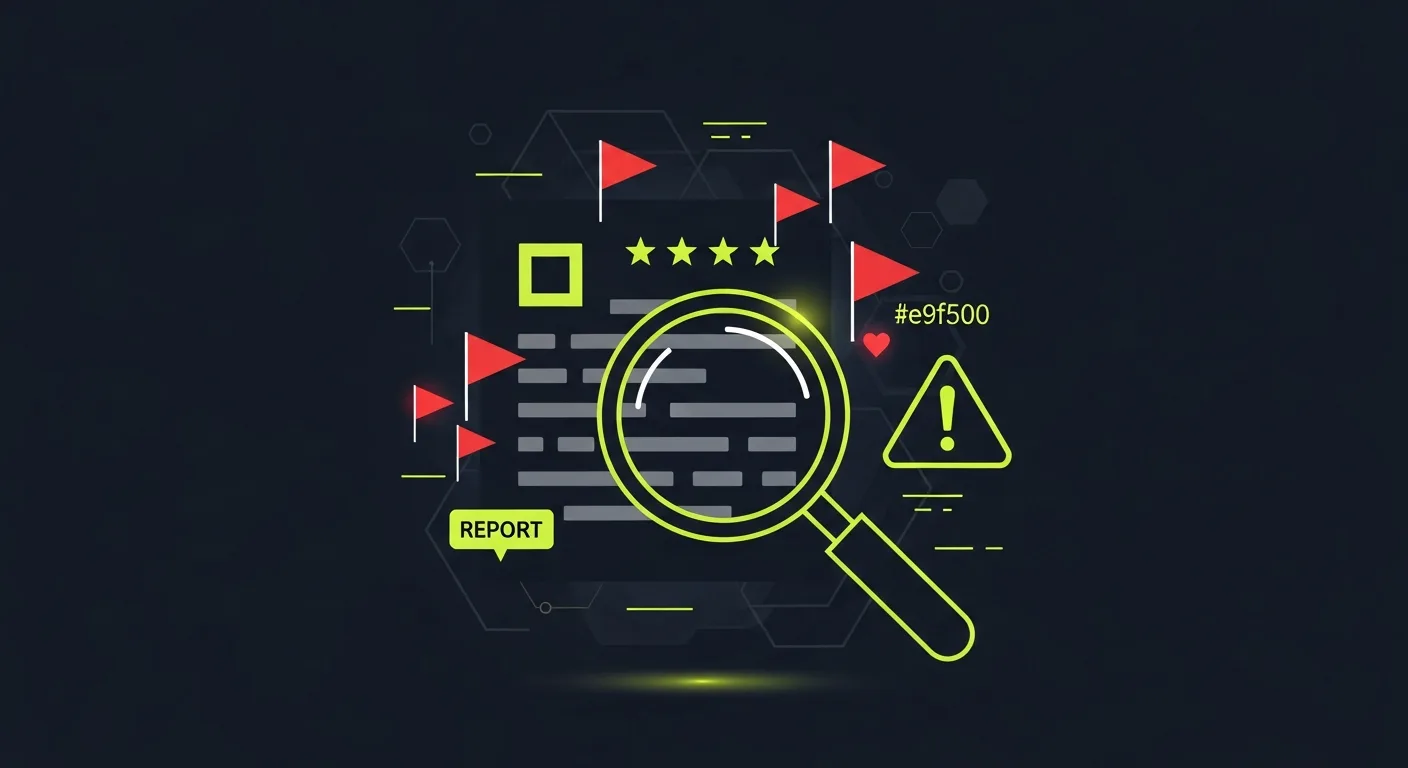
Fake Google reviews can destroy a business overnight. Whether it's a rival leaving malicious reviews or fake positive reviews boosting undeserving businesses, these fraudulent reviews undermine trust in the entire review ecosystem. Google receives millions of review reports monthly. While they've improved their detection systems, fake reviews still slip through. Knowing how to properly report them protects both your business and customers who rely on authentic feedback.
What Are Fake Google Reviews?
Fake Google reviews are fraudulent reviews that violate Google's review policies. They fall into several categories: Completely fabricated reviews written by people who never used the business. These often come from review farms or rivals. Incentivized reviews where businesses pay customers or offer discounts in exchange for reviews. While the customer may be real, the review violates Google's policies. Review bombing involves coordinated attacks where multiple fake accounts leave negative reviews within a short timeframe. Impersonation reviews where someone pretends to be a customer they're not, often stealing details from real reviews to seem authentic. Off-topic reviews that discuss unrelated issues, personal grudges, or political views rather than the actual business experience.
How to Identify Fake Google Reviews
Spotting fake reviews requires detective work. Here are the red flags:
Profile Red Flags
Generic profile names like "John Smith" or "Sarah Johnson" with no profile picture. New accounts created recently with only one or two reviews. Review patterns where the account only reviews rivals negatively or similar businesses positively. Location mismatches where the reviewer is based far from the business location.
Content Red Flags
Overly generic language that could apply to any business: "Great service, highly recommend!" Excessive emotion that seems disproportionate to the described experience. Factual errors about business hours, location, or services offered. Keyword stuffing that mentions rival names or irrelevant terms. Grammar and spelling that's either too perfect (AI-generated) or always poor across multiple reviews from different "customers".
Timing Red Flags
Suspicious clusters of reviews posted within hours or days. Off-hours posting where multiple reviews appear at 3 AM always. Event correlation where negative reviews spike after a rival launches or during a business dispute.
Google's Review Policy Violations
Google prohibits several types of content in reviews. Understanding these policies helps you identify reportable content:
Prohibited Content
Spam and fake content includes reviews by business owners, employees, or paid reviewers. It also covers reviews from rivals or anyone with a conflict of interest. Off-topic content means reviews about other locations, personal political views, or unrelated experiences. Restricted content involves illegal tasks, dangerous goods, or regulated substances. Inappropriate content includes harassment, hate speech, sexually explicit material, or impersonation. Conflict of interest covers reviews by current or former employees, rivals, or anyone with a business relationship.
What Google Doesn't Remove
Google won't remove reviews simply because they're negative. Real criticism, even harsh criticism, stays if it doesn't violate policies. Personal opinions about service quality, pricing, or business practices are generally allowed, even if factually incorrect. Reviews about past experiences remain valid, even if the business has since improved.
Step-by-Step Guide to Report Fake Reviews
Method 1: Report Through Google My Business
- Log into your Google My Business account at business.google.com
- Navigate to your business listing and click "Reviews" in the left menu
- Find the fake review you want to report
- Click the three-dot menu next to the review
- Select "Flag as inappropriate" from the dropdown
- Choose the violation type that best matches the fake review
- Provide extra context in the text box if needed
- Submit your report and wait for Google's response
Method 2: Report as a Consumer
If you don't own the business but spot fake reviews:
- Find the review on Google Maps or the business listing
- Click the flag icon next to the review
- Select the appropriate reason for reporting
- Submit your report with any extra details
Method 3: Use Google's Legal Removal Request
For serious violations like defamation or harassment:
- Visit Google's legal help center at support.google.com/legal
- Select "Google Search" then "Other legal issues"
- Choose the appropriate legal ground for removal
- Complete the detailed form with evidence and legal basis
- Submit supporting documentation like court orders or legal notices
What Information to Include in Your Report
A strong report increases your chances of success. Include:
Essential Details
Specific policy violation
- Don't just say "fake review." Specify if it's spam, off-topic, or harassment. Evidence of fakeness
- Screenshot timing patterns, profile inconsistencies, or content that proves the review is fake. Business context
- Explain if this is part of a pattern, like review bombing after a rival dispute.
Supporting Evidence
Screenshots of the reviewer's profile showing limited review history or suspicious patterns. Timeline evidence showing coordinated attacks or impossible service dates. Content analysis highlighting copy-paste text, factual errors, or off-topic content. Business records proving the reviewer was never a customer, if you have transaction records.
How Long Does Google Take to Review Reports?
Google's review process varies widely: Automated removals happen within 24-48 hours for clear policy violations like spam or inappropriate language. Manual reviews for complex cases take 3-10 business days. Google's human reviewers assess context and evidence. Legal requests can take several weeks or months, depending on complexity and jurisdiction. No response doesn't mean rejection. Google doesn't always notify you when they remove reviews, so check your listing regularly.
What to Do If Google Doesn't Remove the Review
Document and Resubmit
Sometimes the first report doesn't work. Gather more evidence and resubmit with:
- Extra proof of policy violations
- More detailed explanations
- Screenshots showing pattern behavior
- Legal documentation if applicable
Respond Professionally
While waiting for removal, respond to fake reviews professionally. This shows potential customers you're tracking feedback and addressing concerns. Never accuse someone of leaving a fake review publicly. Instead, invite them to contact you directly to resolve their concerns.
Monitor with Tools
Using reputation management tools helps you spot fake reviews quickly and track removal success rates. Early detection makes reporting more effective.
Consider Legal Action
For serious cases involving defamation or coordinated attacks, consult an attorney specializing in online reputation law.
Preventing Fake Reviews
Encourage Authentic Reviews
The best defense against fake reviews is a steady stream of authentic ones. Make it easy for real customers to leave reviews through:
- Follow-up emails after service
- QR codes on receipts or business cards
- Staff training on politely requesting reviews
- Review management strategies that focus on genuine customer experiences
Monitor Regularly
Check your reviews weekly for:
- New reviews from suspicious accounts
- Sudden spikes in negative reviews
- Content that seems off-brand or factually incorrect
- Patterns suggesting coordinated attacks
Build Strong Reputation
Businesses with many authentic reviews are less vulnerable to fake review damage. Focus on:
- Exceptional customer service
- Quick response to real complaints
- Consistent quality that generates natural positive reviews
- Professional responses that show you care about feedback
Common Mistakes When Reporting Fake Reviews
Being Too Vague
Reports that simply say "this is fake" rarely succeed. Be specific about which policy the review violates and why.
Emotional Language
Avoid angry or emotional language in your reports. Stick to facts and policy violations.
Reporting Legitimate Negative Reviews
Don't waste time reporting reviews that are genuinely from customers, even if they're unfair or harsh.
Not Following Up
Google doesn't always notify you of actions taken. Check your listings regularly to see if reported reviews were removed.
Mass Reporting
Reporting multiple reviews at once without clear evidence can flag your account as abusive. Quality over quantity.
The Impact of Fake Reviews on Businesses
Fake reviews cost businesses billions annually: Consumer trust erodes when 87% of shoppers read reviews before purchasing. Fake reviews corrupt this decision-making process. Small businesses suffer most because they have fewer reviews overall, making fake ones more impactful proportionally. SEO rankings get affected since Google factors review signals into local search results. Revenue loss occurs when potential customers choose rivals based on fake positive reviews or avoid businesses due to fake negative ones.
Legal Consequences of Fake Reviews
For Review Writers
Writing fake reviews can result in:
- Federal Trade Commission fines
- State consumer protection violations
- Defamation lawsuits
- Criminal charges in extreme cases
For Businesses
Businesses caught creating fake reviews face:
- Google My Business suspension
- FTC penalties up to $43,792 per violation
- Class action lawsuits from rivals
- Permanent reputation damage
If you use Google Business Profile to manage your listing, see our detailed guide on how to report fake reviews through GBP and what happens after you report — including timelines, escalation steps, and how to respond while you wait.
Frequently Asked Questions
How can I tell if a Google review is fake?
Look for profiles with limited review history, generic usernames, reviews that seem off-topic or overly emotional, and timing patterns where multiple reviews appear within hours. Also check if the reviewer mentions specific details that don't match your business.
What happens after I report a fake review to Google?
Google reviews the report within 3-10 business days for most cases. They may remove the review if it violates their policies, but they don't always notify you of the action taken. Check your business listing regularly to see if the review was removed.
Can I get in trouble for reporting legitimate negative reviews?
No, reporting real reviews won't get you in trouble, but it wastes time and may flag your account if done repeatedly. Only report reviews that clearly violate Google's policies, not just negative reviews you disagree with.
How many times can I report the same fake review?
You can resubmit reports with extra evidence if Google doesn't remove a review at first. However, repeatedly reporting the same review without new evidence is counterproductive. Focus on gathering stronger proof of policy violations.
Will Google remove reviews just because they're negative?
No, Google doesn't remove reviews simply for being negative. The review must violate specific policies like being fake, off-topic, containing harassment, or involving conflicts of interest. Real criticism, even harsh criticism, typically stays.
How long do fake reviews stay up before Google removes them?
Google's automated systems remove obvious fake reviews within 24-48 hours. Manual reviews for complex cases take 3-10 business days. Some fake reviews that don't clearly violate policies may never be removed unless you provide compelling evidence.
Ready to grow?
Turn happy customers into 5-star reviews
Praising.ai automates review requests for Google, Trustpilot and the other review sites you use. Businesses see an average 3x increase in reviews within 30 days.
Written by
· 106 articlesMarcus Webb
Reputation Management Specialist
Marcus has spent over a decade helping small and medium businesses understand online reviews and local search. He writes about Google Business Profile, review automation, and the mechanics of reputation management—always from the angle of what actually moves the needle for independent businesses.
View all articlesGet weekly review tips
Actionable strategies to grow reviews and revenue, straight to your inbox.
No spam. Unsubscribe anytime.
Get more 5-star reviews on autopilot
Praising.ai automates review requests for Google, Trustpilot and the other review sites you use — free to start, no credit card required.
Start FreeFree 14-day trial